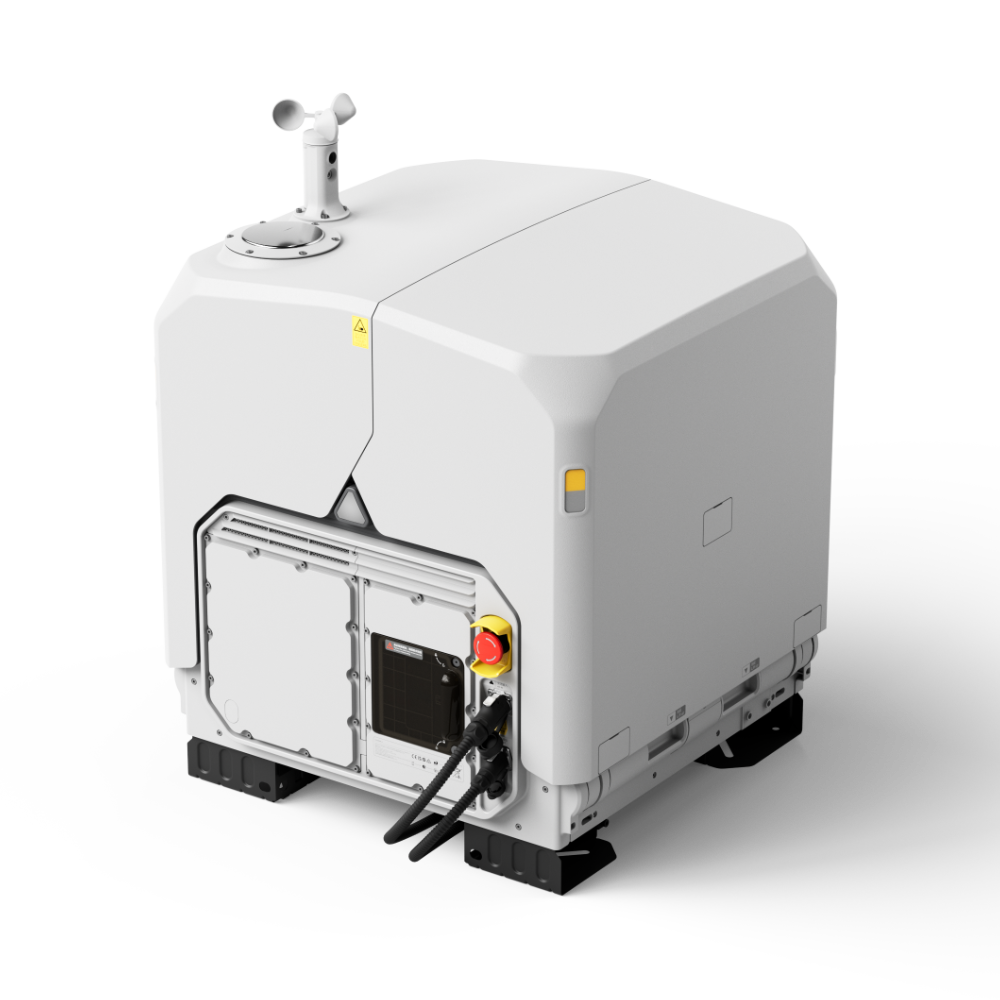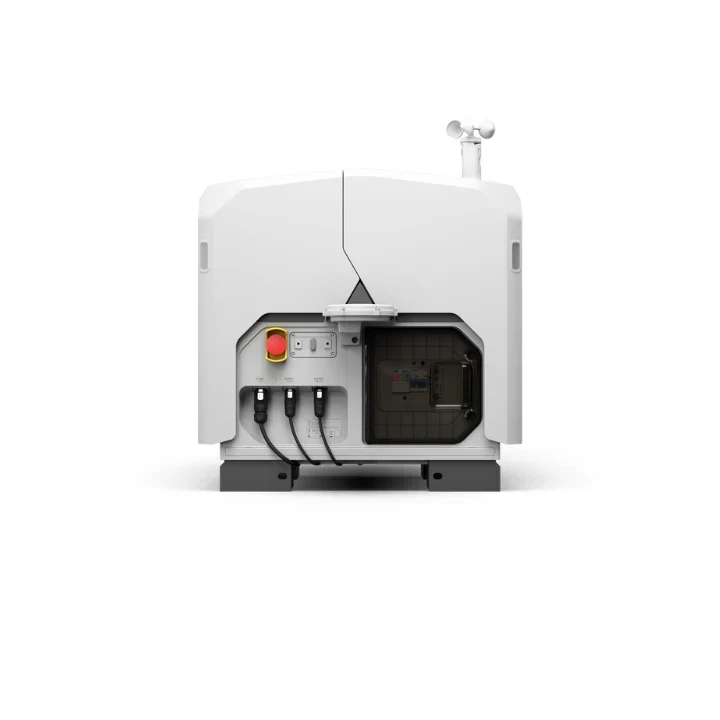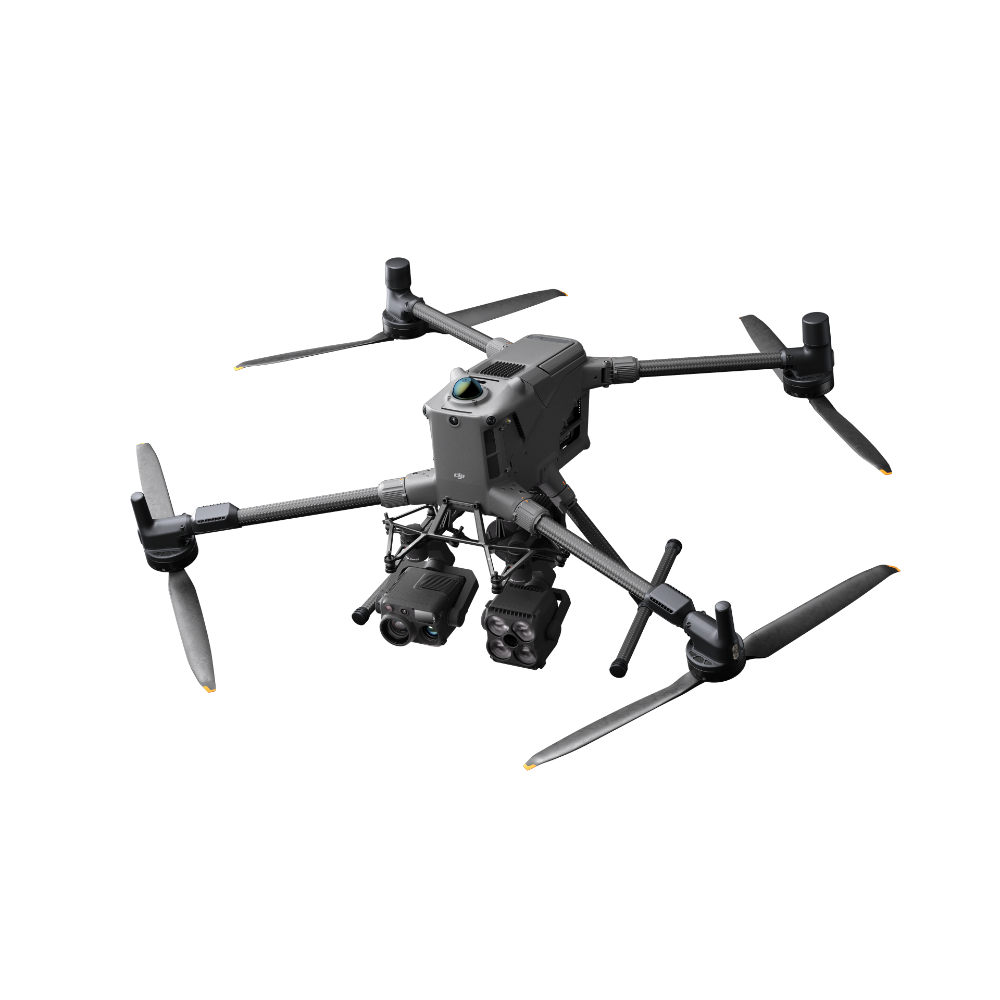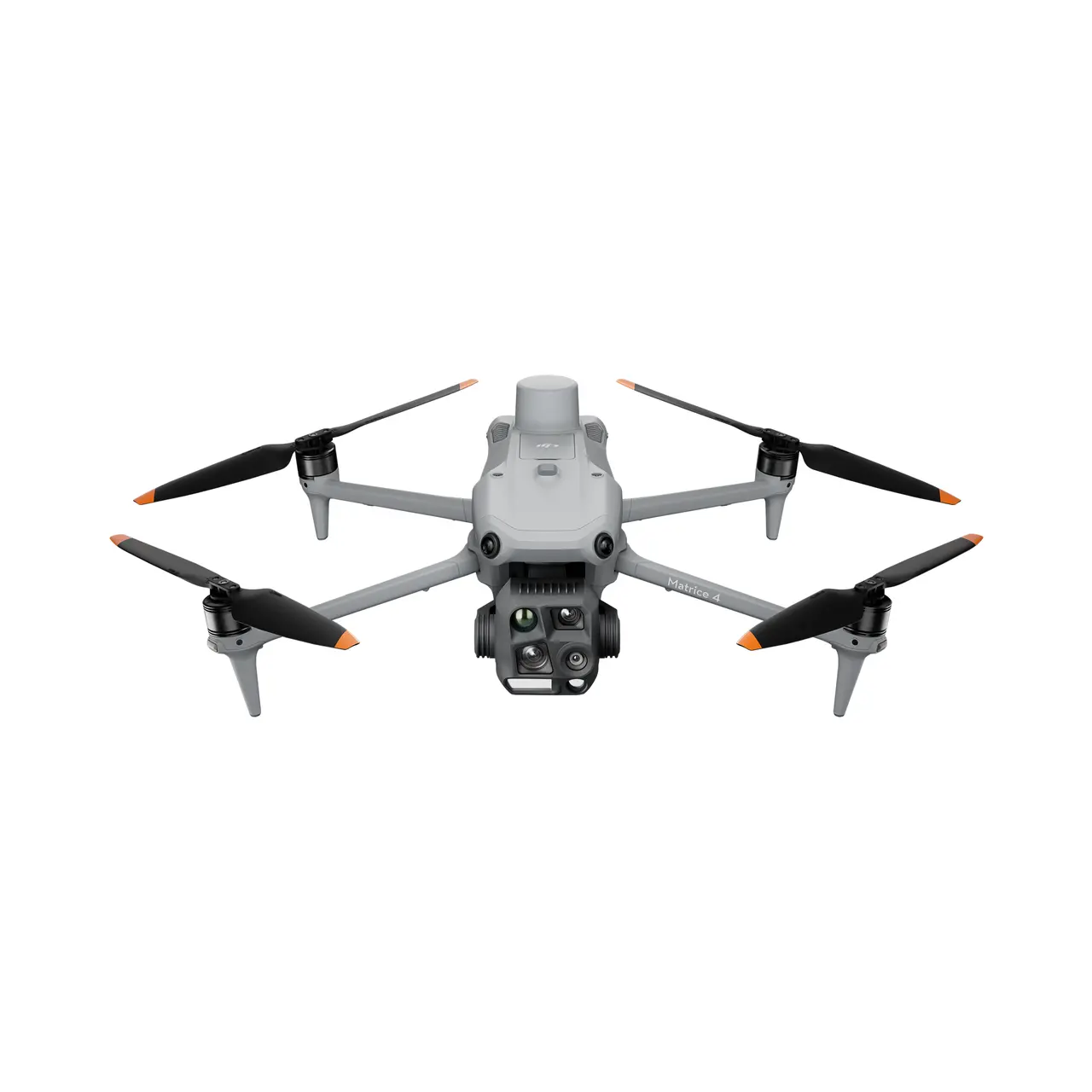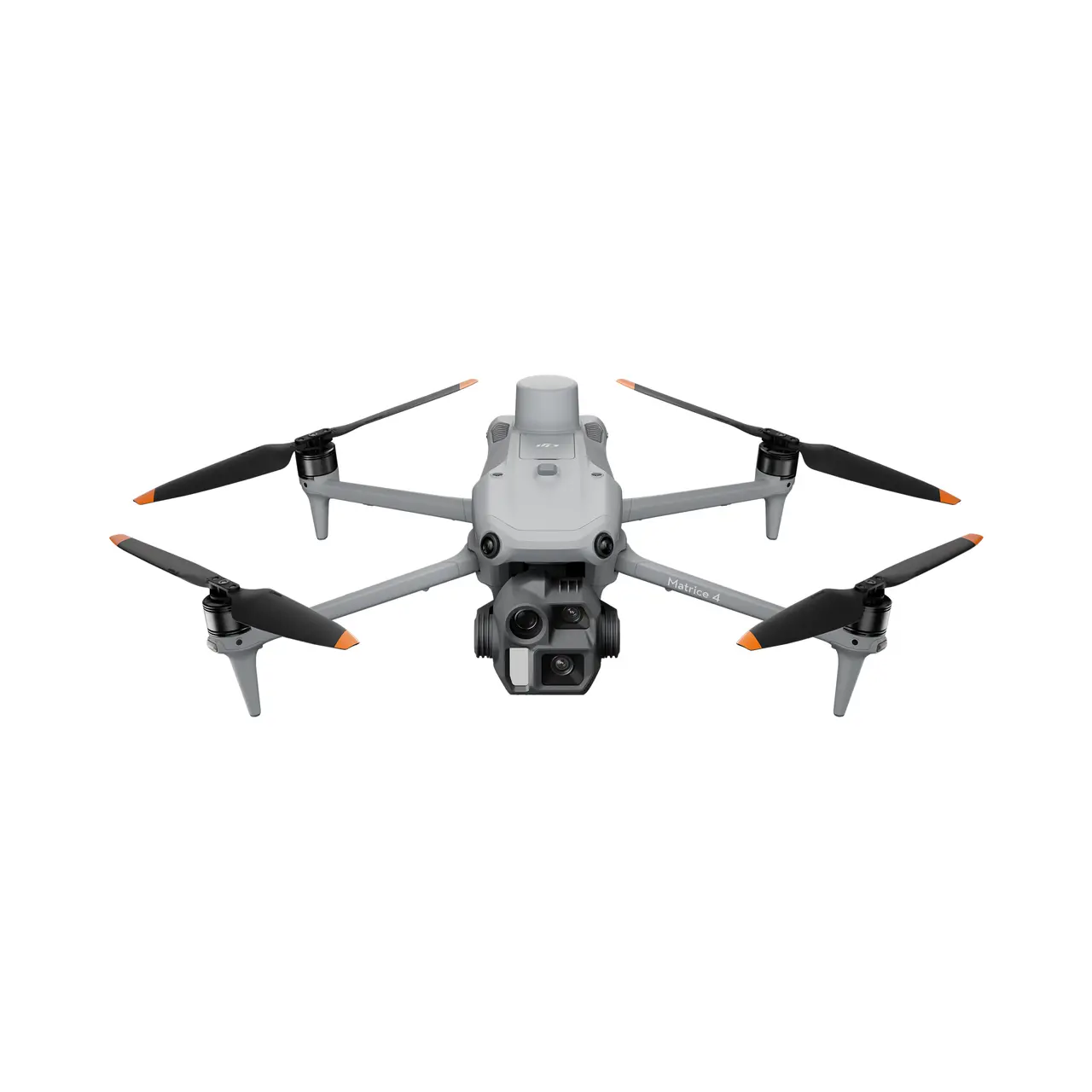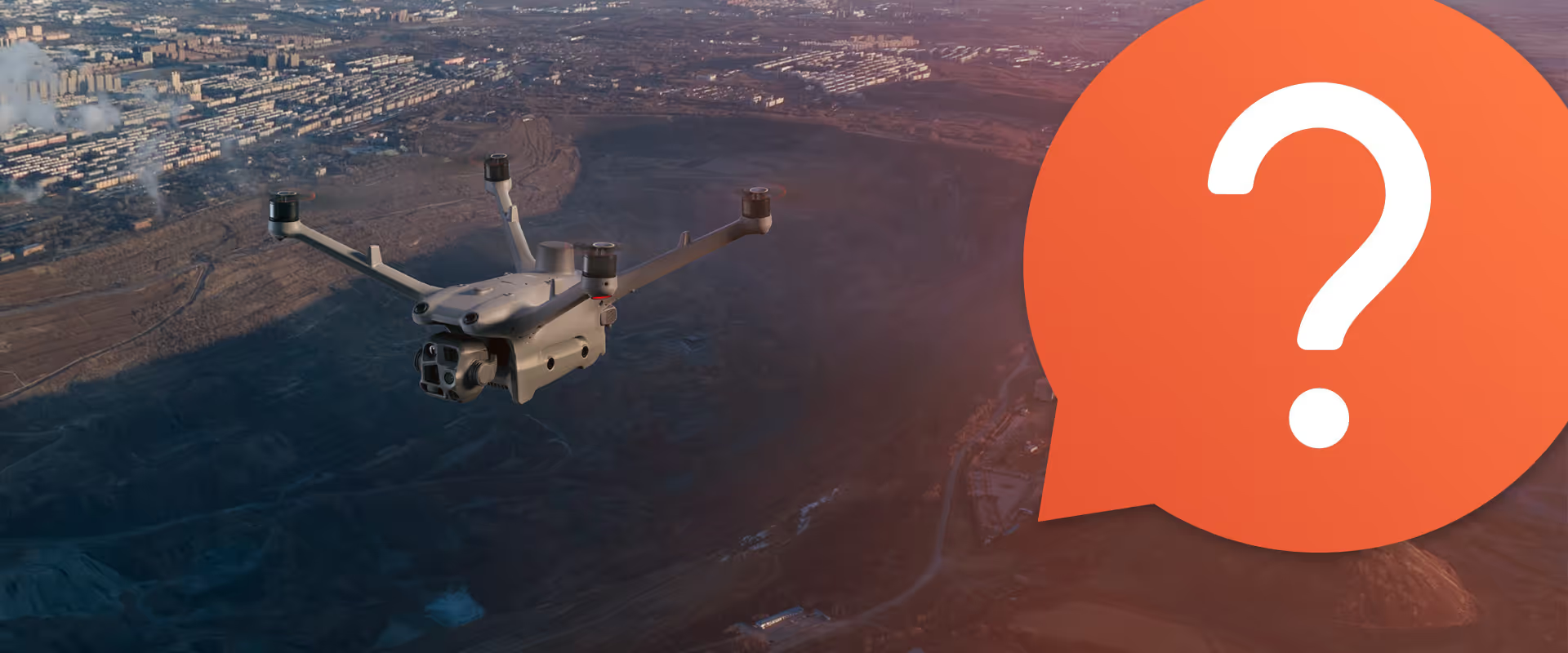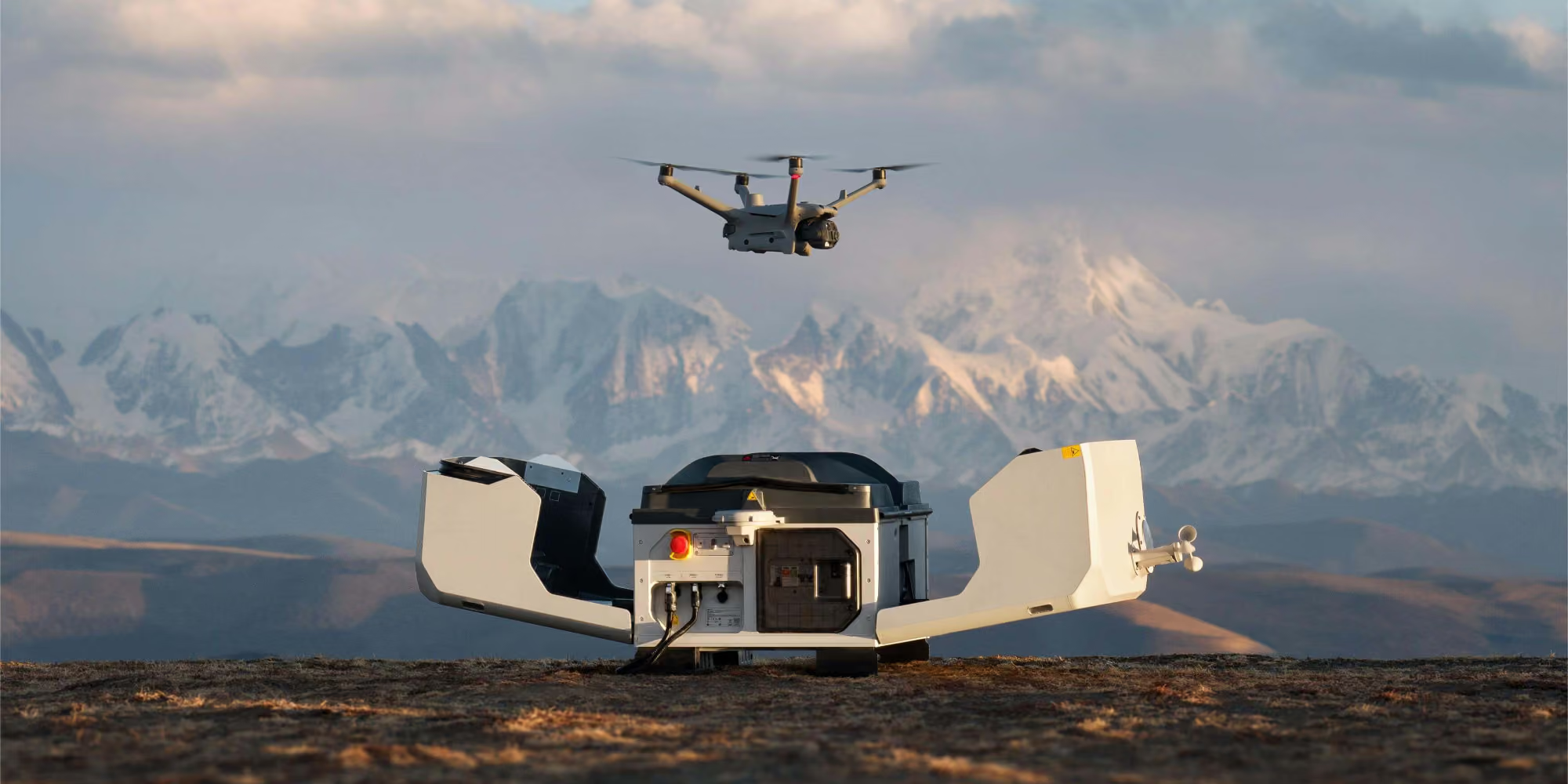

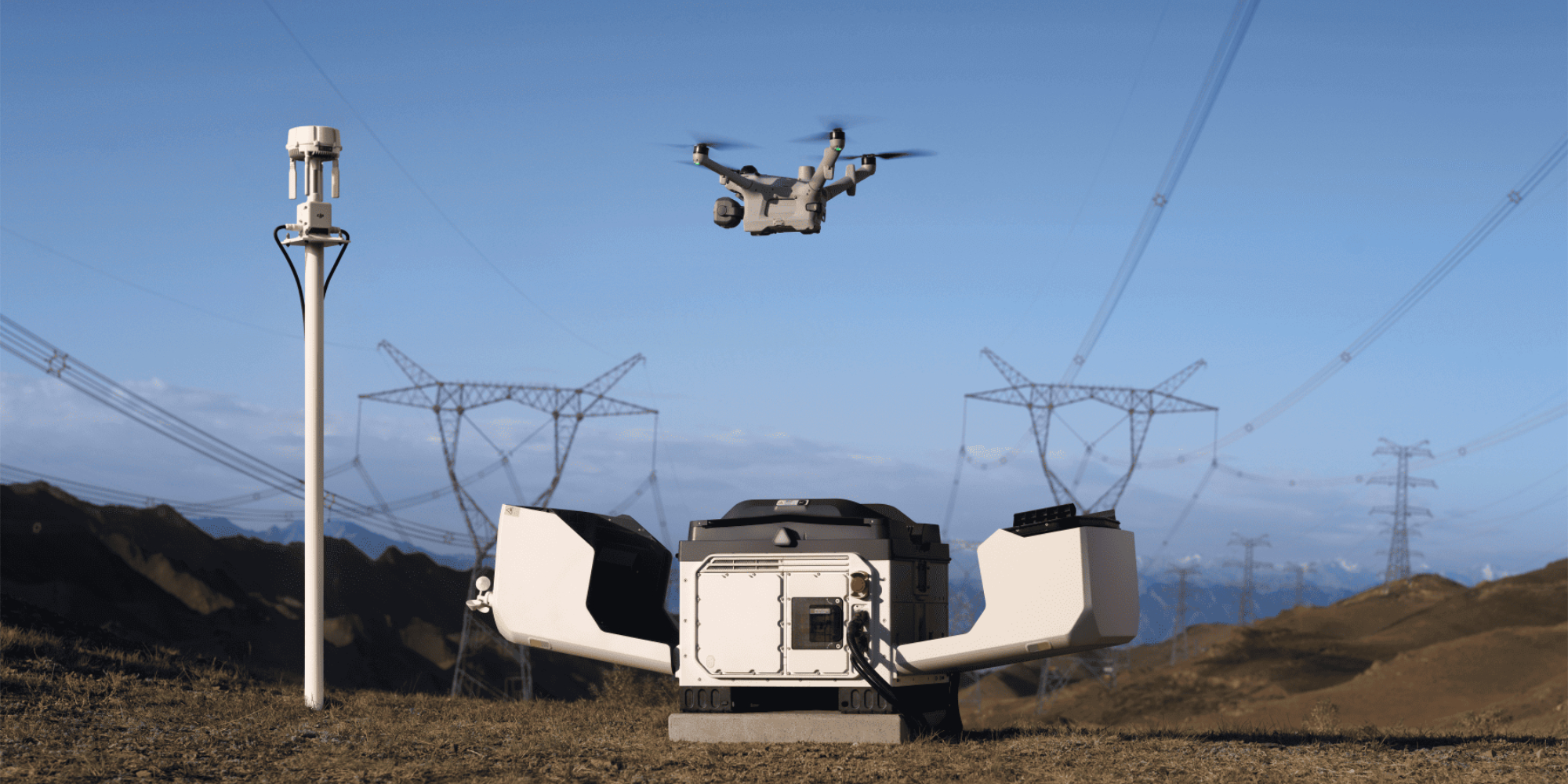
DJI Dock 3 is a drone-in-a-box (DiaB) system, housing and launching the Matrice 4D or Matrice 4TD. It recharges the aircraft from 15% to 95% in 27 minutes between flights, so surveys and inspections run on a schedule or on demand with nobody on site. It's also DJI's first dock built to mount on a vehicle.
Dock 3 keeps a drone on site and ready to fly, so routine surveys and inspections run themselves and your people only head out when the data says they need to.

Remote sites can be hours from the nearest crew. Routine surveys and inspections run from the dock, so people only head out when there’s something to fix.

The drone can be airborne within a minute of a callout, well before a team could arrive.

Scheduled flights repeat the same route every time, so changes to stockpiles, pits and assets stand out early.

Fewer people working at height, near live assets or out in extreme heat.
Repeat surveys and regular inspections on sites that are big, remote and hard to get to.
.avif)
Fly the same survey route over stockpiles, pits, haul roads and rehabilitation areas every week, without sending a pilot out. The Matrice 4D's mechanical-shutter camera captures sharp images on the move, giving you the accuracy needed for volumes, orthomosaics and 3D models.
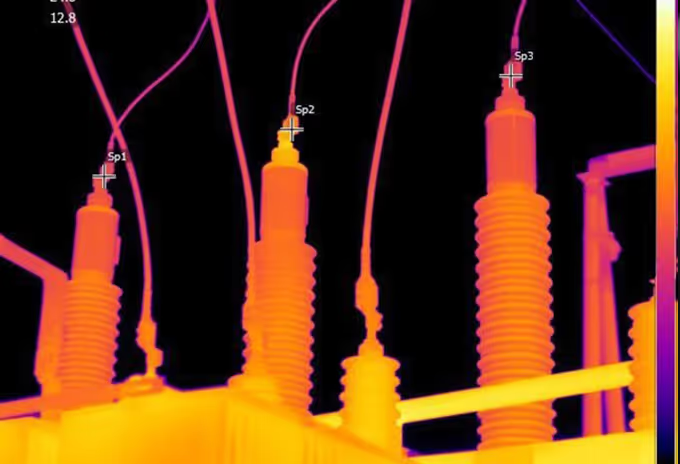
Inspect substations, transmission lines and pipeline corridors on a set schedule from a dock that stays on site. The 168 mm tele camera gets close detail from a safe distance, and the Matrice 4TD adds 640 × 512 thermal for fault-finding.
.avif)
Mount Dock 3 on a vehicle and take automated coverage to wherever the job is. With the Matrice 4TD, thermal and night vision, plus an optional spotlight and speaker, help your team see what's happening before anyone goes in.

The Matrice 4D's 20 MP 4/3 camera has a mechanical shutter, backed by 70 mm and 168 mm tele cameras.

Dock rated IP56, operating from −30 °C to 50 °C.

Charges the aircraft from 15% to 95% in 27 minutes between flights.
Enough to cover a 10 km operating radius from the dock.
.avif)
Dock 3 is built for sites nobody wants to drive out to every day, and it's the first DJI dock you can mount on a vehicle as well as at a fixed site. It charges the aircraft from 15% to 95% in 27 minutes, and two docks can run on one vehicle for back-to-back missions.
It's rated IP56 and operates from −30 °C to 50 °C, with a built-in weather station so it only flies when conditions allow. A backup battery keeps the dock running for over 4 hours if mains power drops, and a D-RTK 3 relay can extend transmission to 25 km around obstructions.
Both aircraft share the same airframe and fly for up to 54 minutes. The Matrice 4D is the survey aircraft. Its 20 MP 4/3 wide camera has a mechanical shutter for distortion-free mapping, backed by 70 mm and 168 mm tele cameras and an 1,800 m laser rangefinder.
The Matrice 4TD swaps the mechanical-shutter camera for a 48 MP wide camera and adds 640 × 512 thermal, night vision and an NIR auxiliary light. Choose the 4D when mapping accuracy matters, and the 4TD when you need thermal or night work.

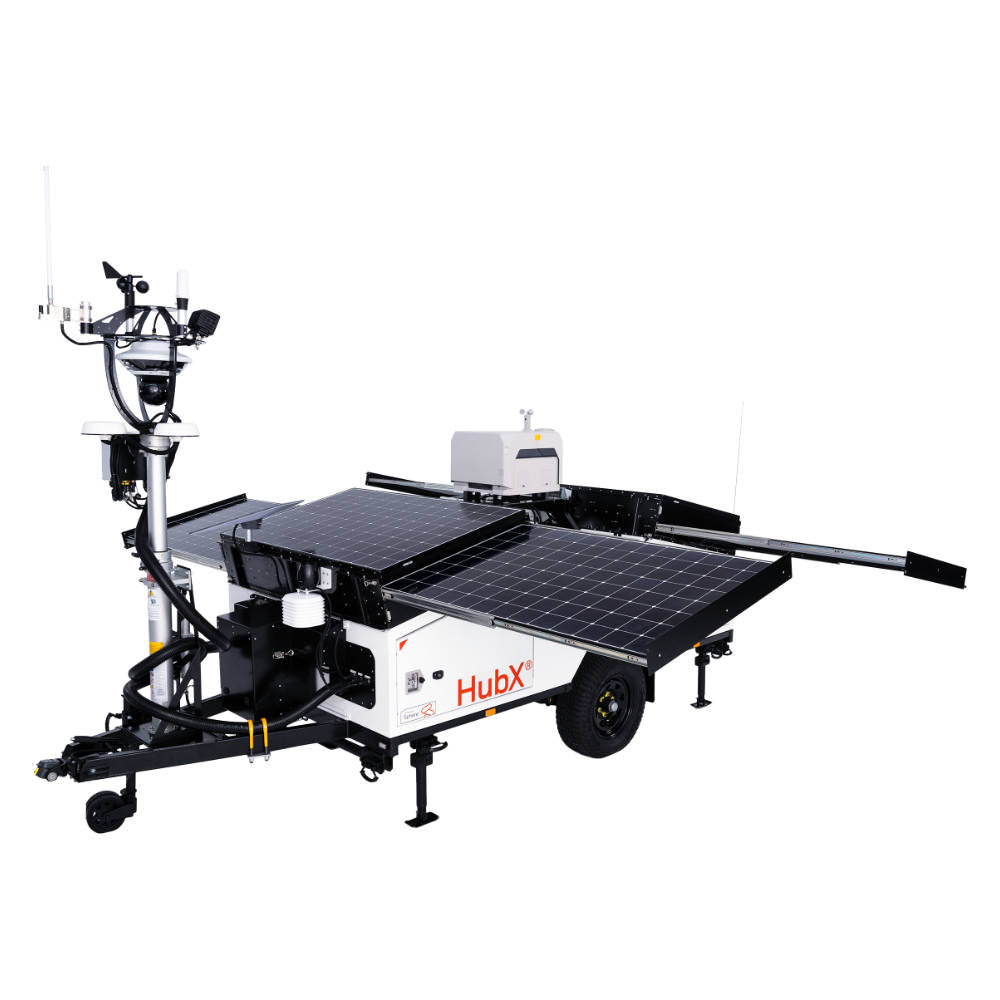
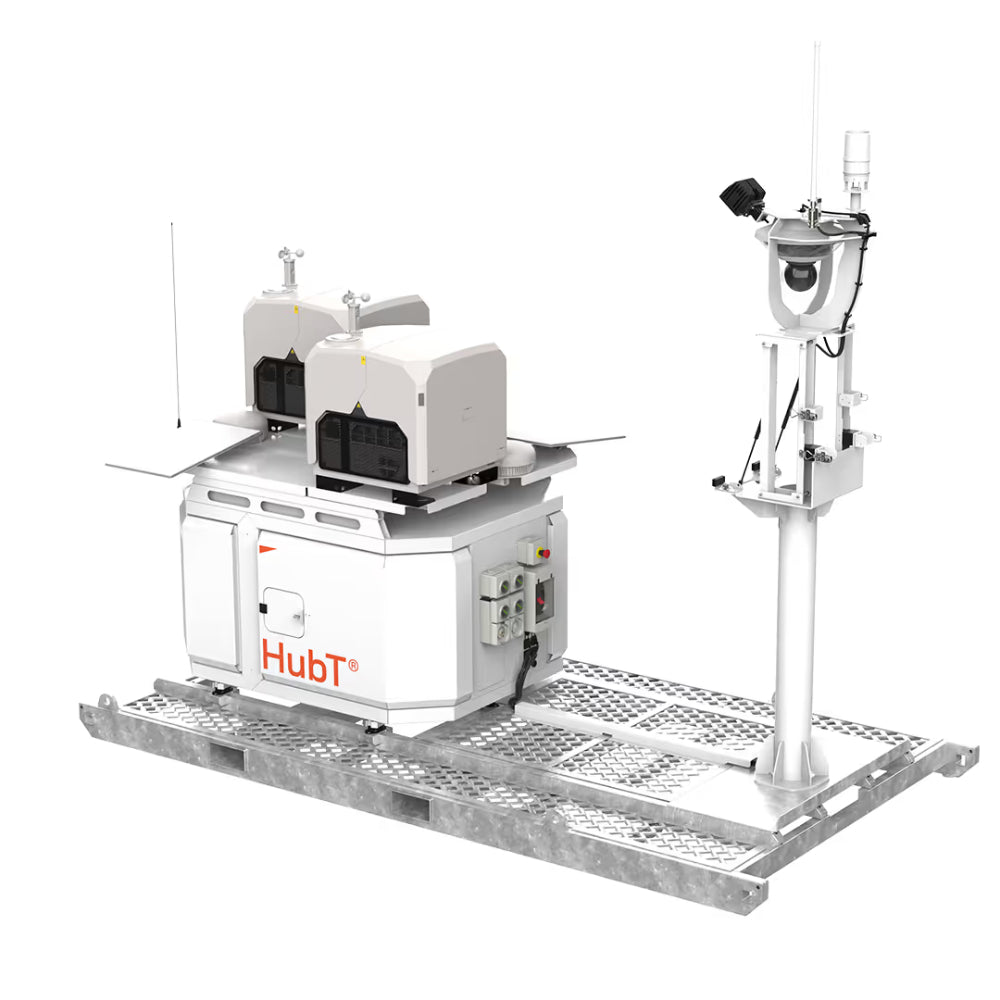
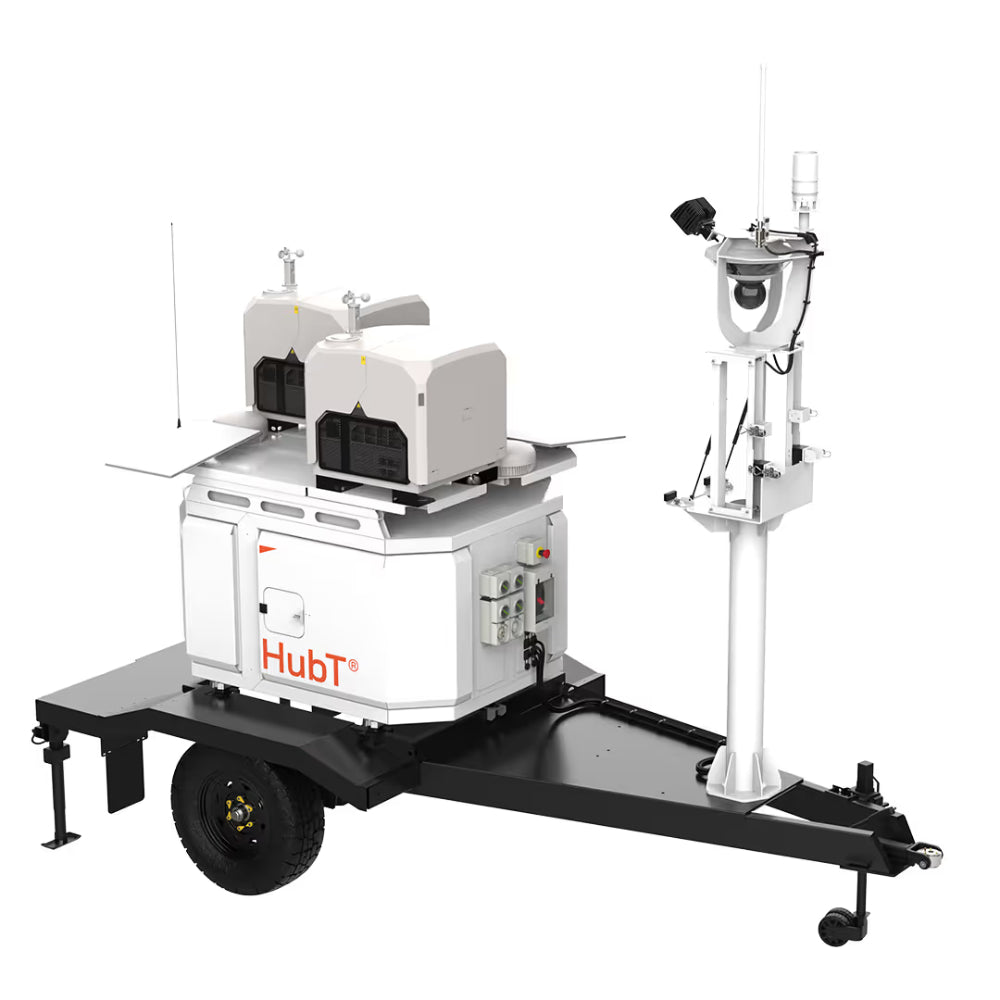
Dock 3 also needs power, connectivity and somewhere to deploy. Our Hubs bring all of that together, as the off-grid HubX® trailer or the more permanently installed HubT®, each running up to two Dock 3 units. They can also be fully managed, with missions run 24/7 from our Sydney-based remote operations centre.
Curo handles the whole workflow in one software suite, from planning flights and running live remote operations through to data delivery and AI analysis. It works with standalone docks as well as our Hubs, so you can start with Dock 3 on its own.
If your team uses ArcGIS, our Esri Site Scan integration sends processed data straight into your GIS, without any manual handling.
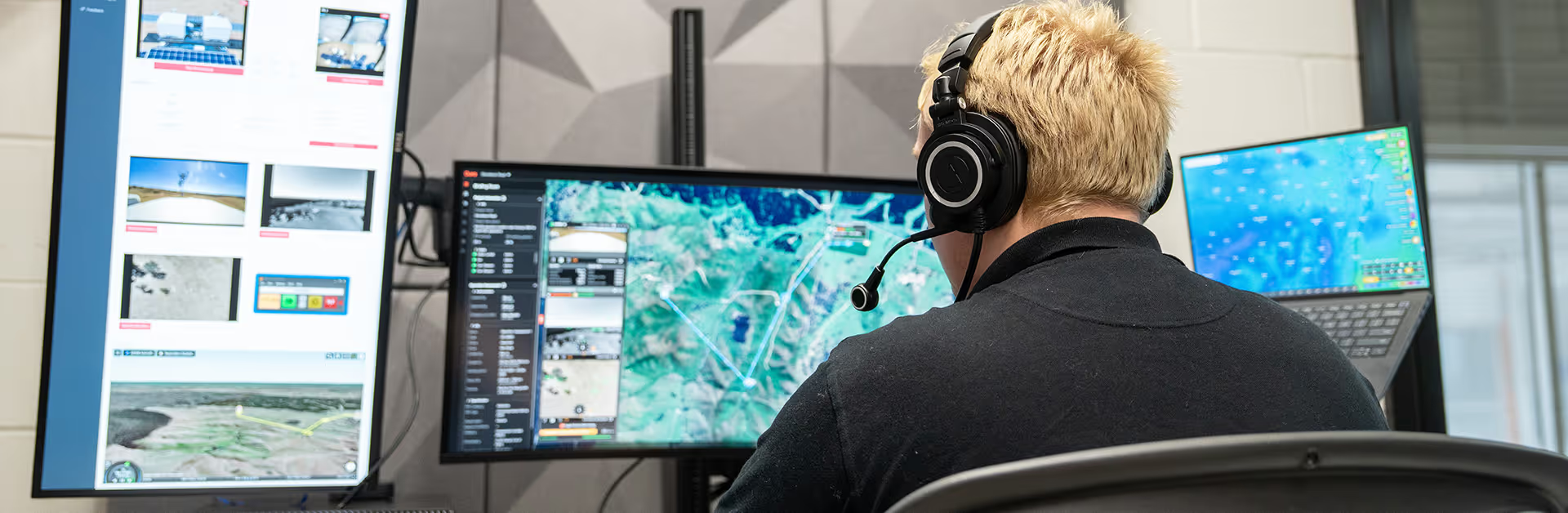
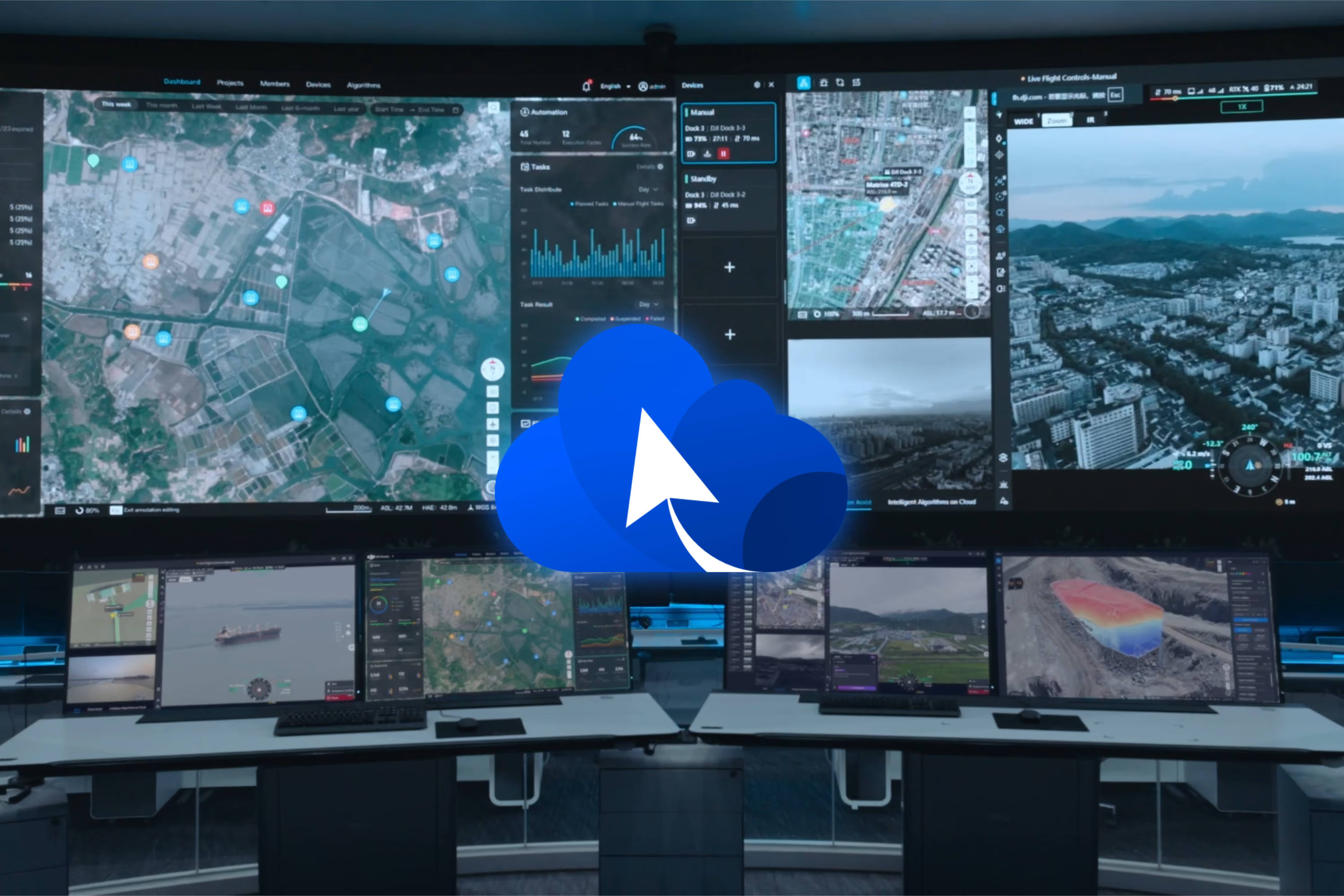
Dock 3 also works with DJI FlightHub 2. Plan routes, schedule missions and watch live video from anywhere, and use change detection to compare each survey against the last. If you need to keep data in-house, FlightHub 2 can run on your own servers.

Running a dock takes more than the hardware. Here's what's involved, and where we can help.
Pilots need a Remote Pilot Licence (RePL). To run it yourself, you'll also need a ReOC and BVLOS approval.
How we help: RePL, ReOC, Chief Remote Pilot and BVLOS training, tailored to your team.
Remote and BVLOS flights need CASA approval, and building the safety case on your own takes time.
How we help: we hold a ReOC and BVLOS broad area approval, so we can fly it for you.

Mains power, a wired network connection, a stable mount point and a clear view of the sky. For vehicle deployments, DJI's vehicle-mounted gimbal mount takes care of the mounting. A backup battery keeps the dock running for over 4 hours if the grid drops out.
How we help: a Hub brings it all together in one system.
Buy the hardware and run it yourself, add our help to get set up, or let us run it for you.

Final price depends on your setup and add-ons.
Dock 4 isn't a straight replacement for Dock 3. Choose based on the work you do most.
Want the full breakdown? Read our Dock 3 vs Dock 4 comparison
Take the detail away with you, or share it with the people signing off.

Build the business case for Dock 3, from choosing between the Matrice 4D and 4TD to the approvals and training you'll need.
Download the buyer's guide
See what's changed from Dock 2, from vehicle mounting and the Matrice 4D and 4TD to range and weather rating.
Download the comparison guide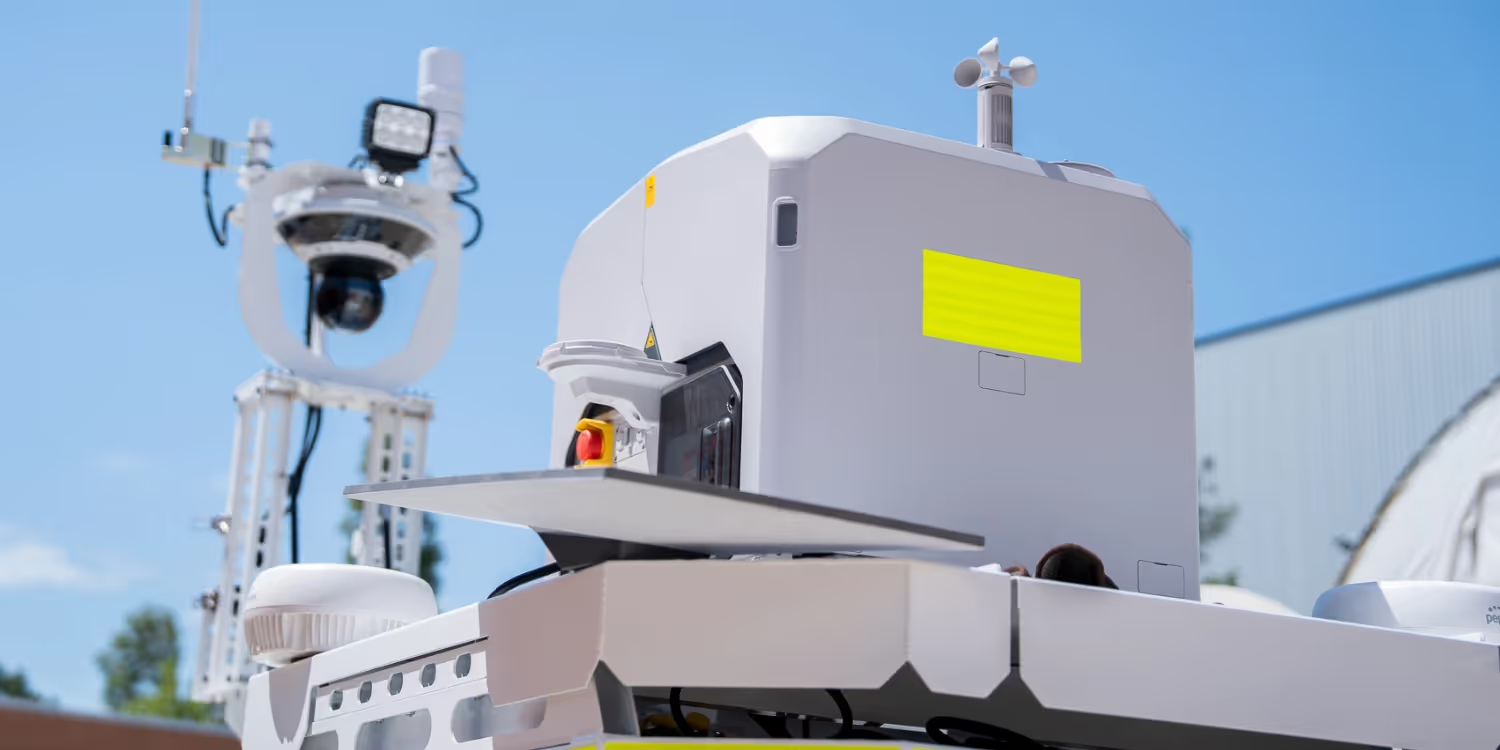
Yancoal wanted drone coverage across weekends, without waiting 6 to 12 months for a CASA approval variation. We deployed a DJI Dock 3 on our HubT and used our Broad Area BVLOS approval to run weekend missions from our Remote Operations Centre.
We hold a CASA ReOC and Broad Area BVLOS Approval, so we can run operations for you under our own approvals.
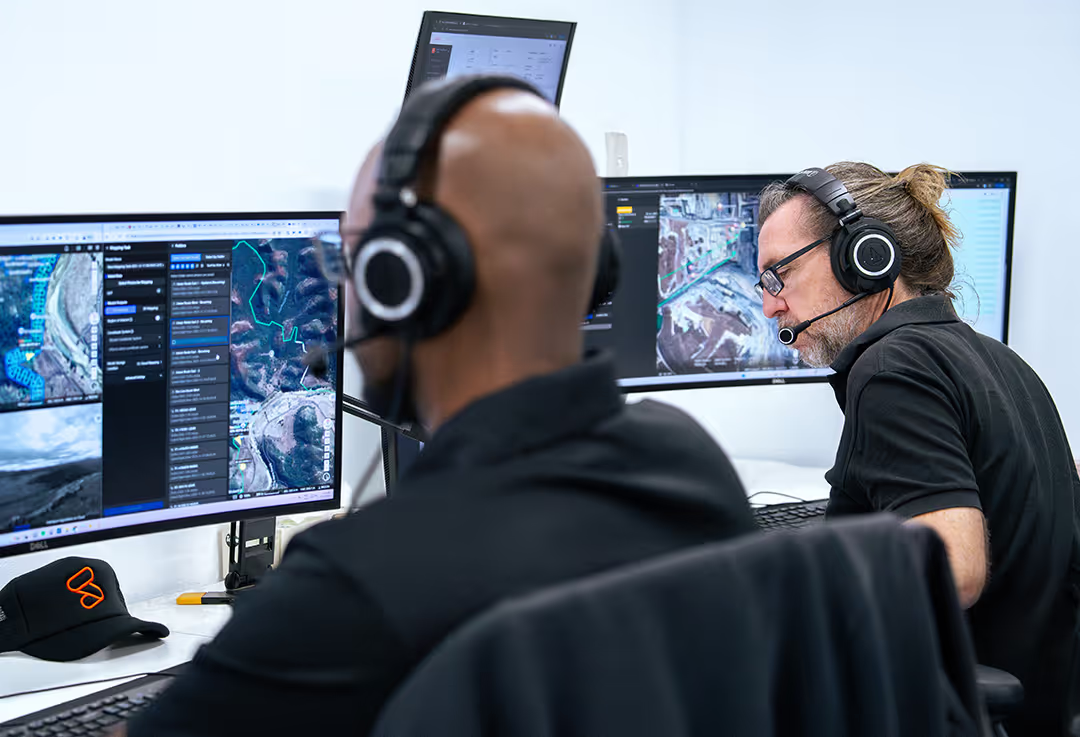
Our team runs remote operations every day from SphereROC, our 24/7 Sydney-based operations centre.

Training and setup from our Australian team, with servicing and support for the life of your fleet.
We design and build our Hubs and Curo software in Australia, so you can grow from one drone to automated operations.
Tell us what you need to survey or monitor and where. We'll recommend the right setup for your site, whether you run it yourself or have us operate it for you.
Prefer to talk? Call us on 1800 119 111.
(*Mandatory fields)