DJI Dock 4
Automated inspection and emergency response for mine sites and critical infrastructure, with thermal built in.
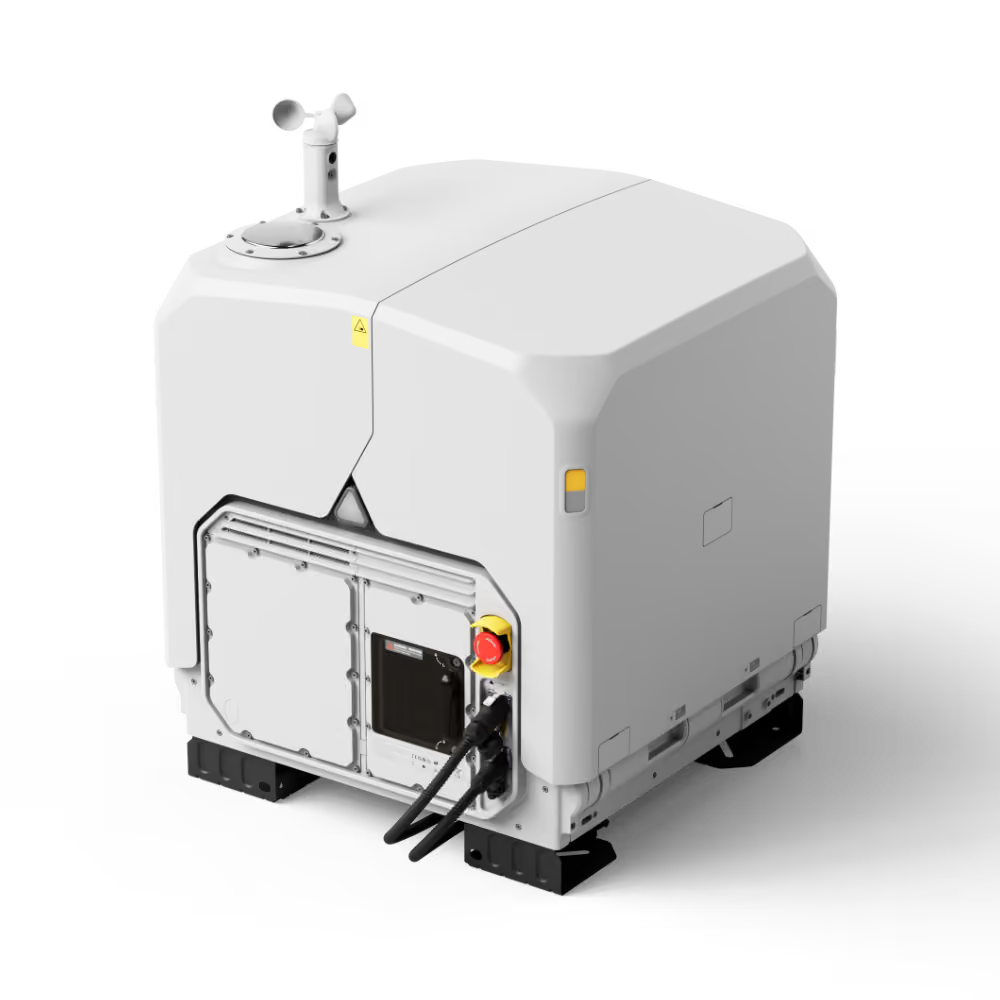
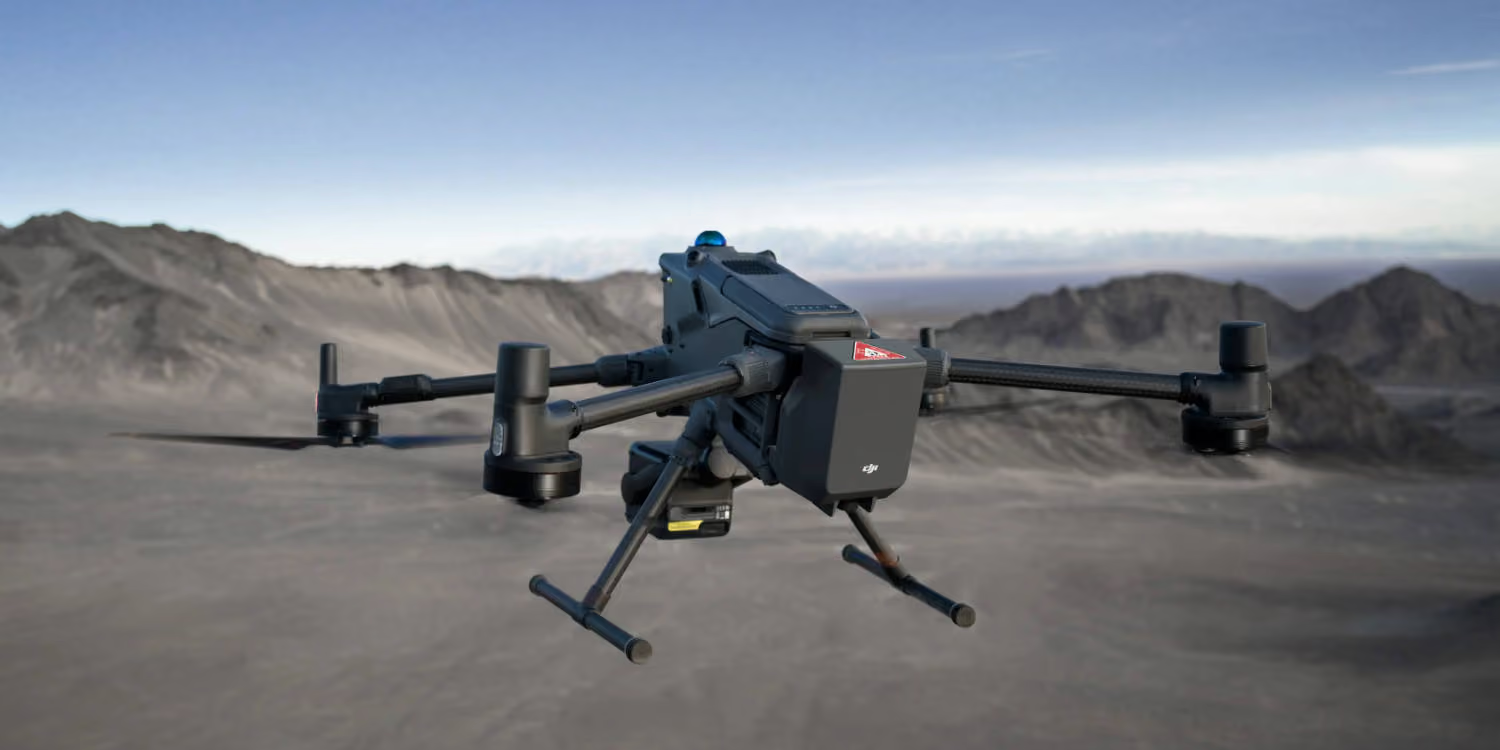
DJI Dock 4 is a drone-in-a-box (DiaB) system, housing and launching the Matrice 5TD. It swaps the aircraft's battery in 25 seconds when it lands, so operations run on a schedule or on demand with nobody on site. Flight data offloads during the swap.
Get eyes on site without sending anyone out
Dock 4 swaps the drone's battery in 25 seconds instead of waiting on a charge, so one aircraft can cover back-to-back missions.
Fewer trips to site
Remote sites can be hours from the nearest crew. Routine inspections run from the dock, so people only head out when there’s something to fix.

Faster response
The drone can be airborne seconds after an alarm or callout, well before a team could arrive.
Data you can compare
Scheduled flights repeat the same route every time, so changes to your assets stand out early.

Safer work
Fewer people working at height, near live assets or out in extreme heat.
DJI Dock 4 for mining, utilities and infrastructure
Regular inspections and fast response on sites that are big, remote and hard to get to.
Mining
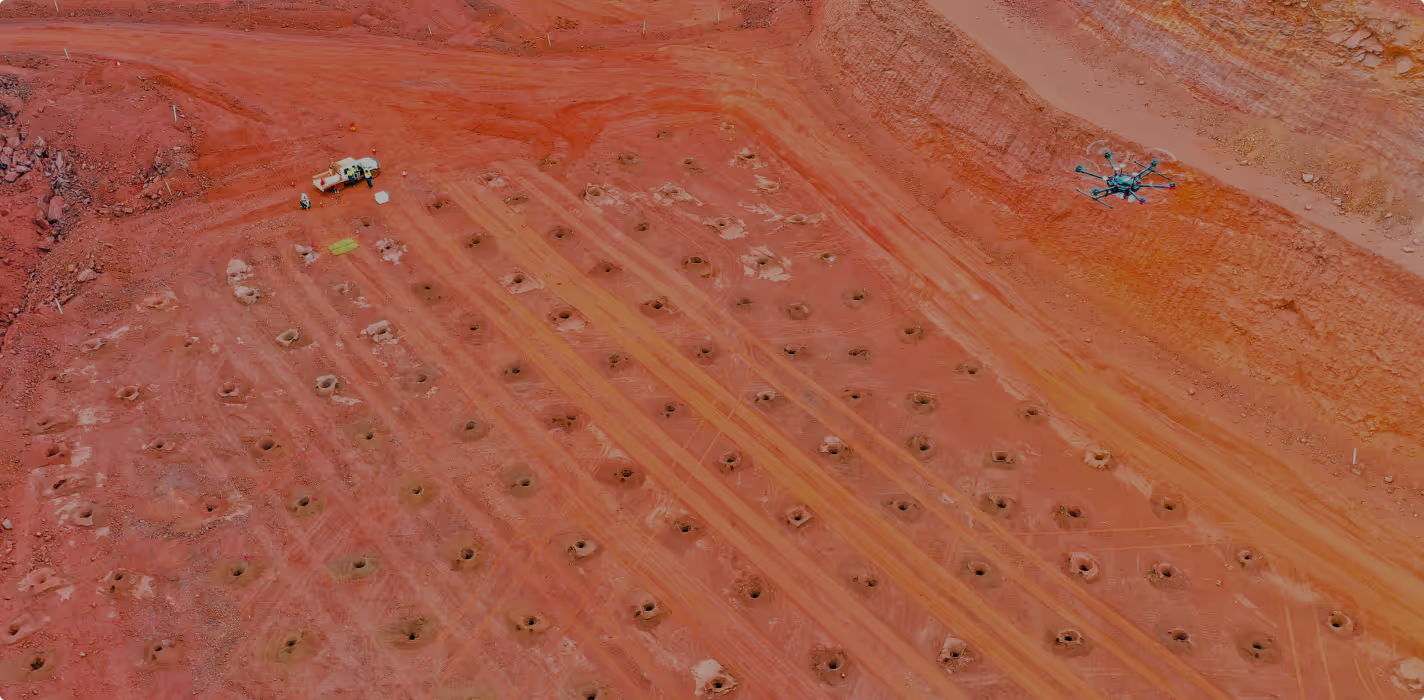
Run scheduled thermal and zoom inspections of conveyors, crushers, pipelines and fixed plant without sending crews into the pit or up a structure. The 1280 × 1024 thermal camera picks up hot idlers and bearings early, and 11x zoom gets close detail from a safe distance.
Utilities and infrastructure
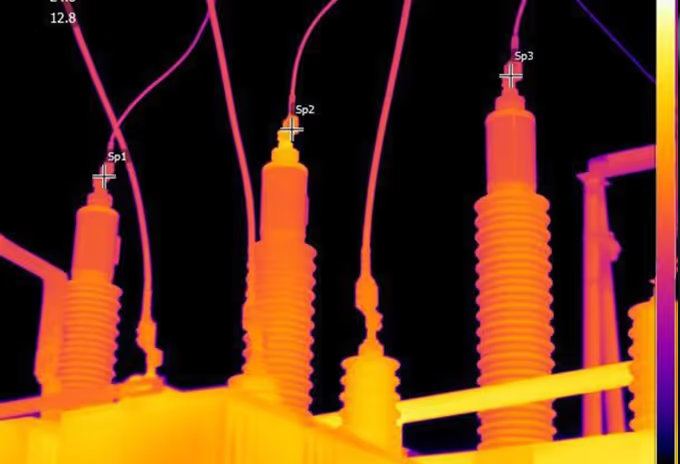
Inspect substations, transmission lines and pipeline corridors on a set schedule from a dock that stays on site. Repeat the same route every time, so changes stand out early and crews only head out when there's something to fix.
Emergency response and security
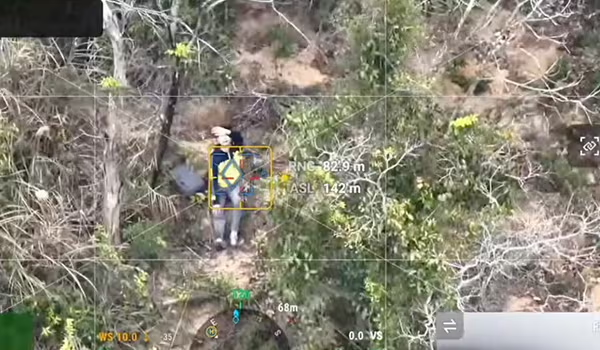
When an alarm trips or an incident is reported, the drone can be over the area in minutes, day or night. Night vision, plus an optional spotlight and speaker, helps your team see what's happening before anyone goes in.
Thermal & zoom on every flight
1280 × 1024 thermal, plus wide, 3x and 11x zoom cameras.
Built for dust, heat & rain
Dock rated IP56, operating from −40 °C to 50 °C.
Automated battery swap
A 45-second turnaround keeps one aircraft flying back-to-back missions.
Up to 59 minutes in the air
Enough range to reach a target 3 km away in under 3 minutes.
Payloads
The payload decides what data you get. Start with the job you need done, and we'll match the payload to it.
Built for heat, dust and remote Australian sites

DJI Dock 4
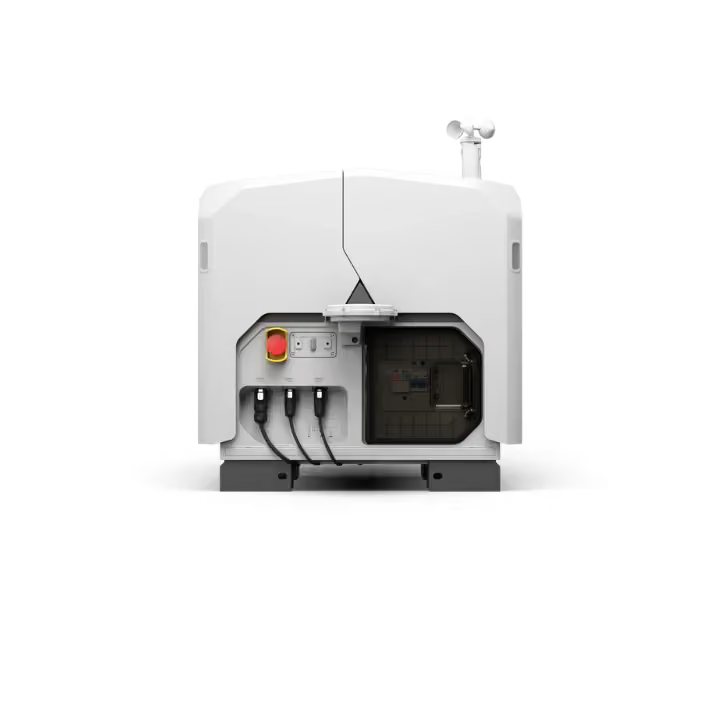
Dock 4 is built for sites nobody wants to drive out to every day. Rather than charging the aircraft between flights, it swaps the battery in 25 seconds and offloads flight data while it does.
It's rated IP56 and operates from −40 °C to 50 °C. The O4 Ground Station handles the video link, RTK and network connection, and the aircraft's built-in dual 4G backs up the link.

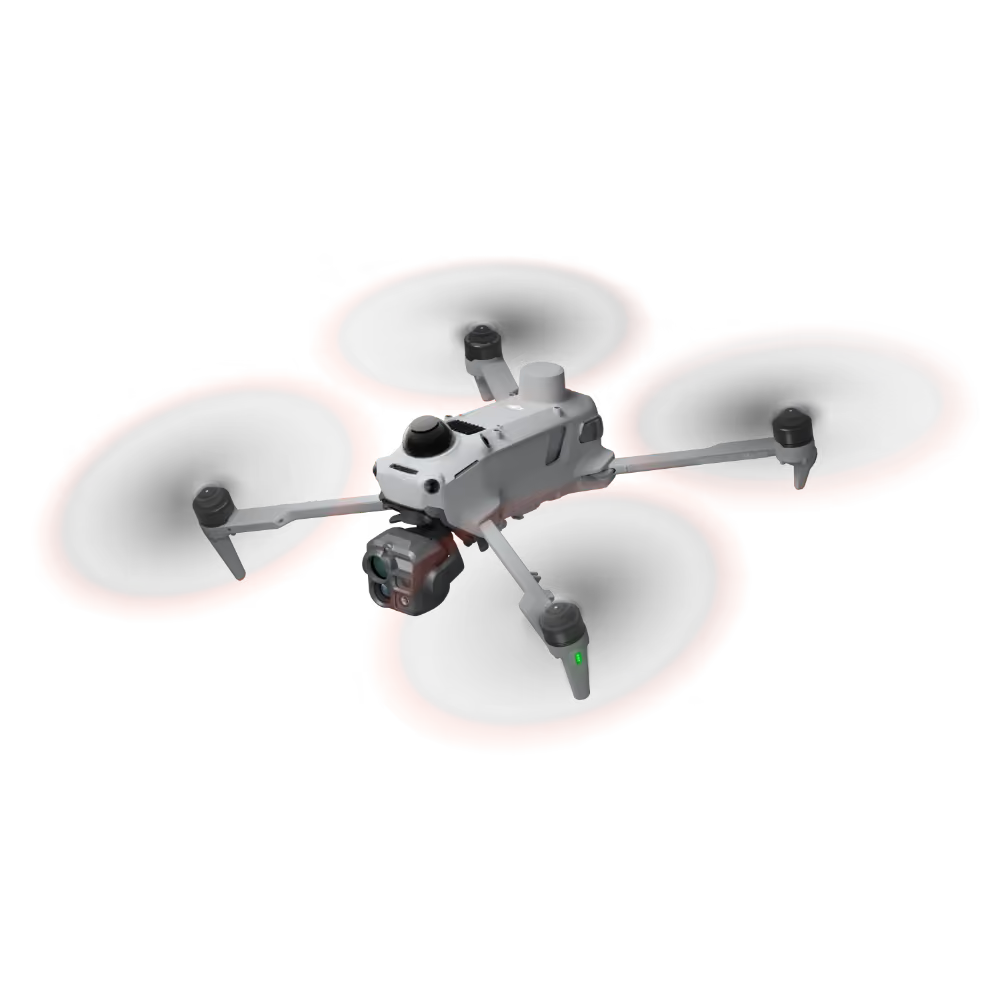
Matrice 5TD
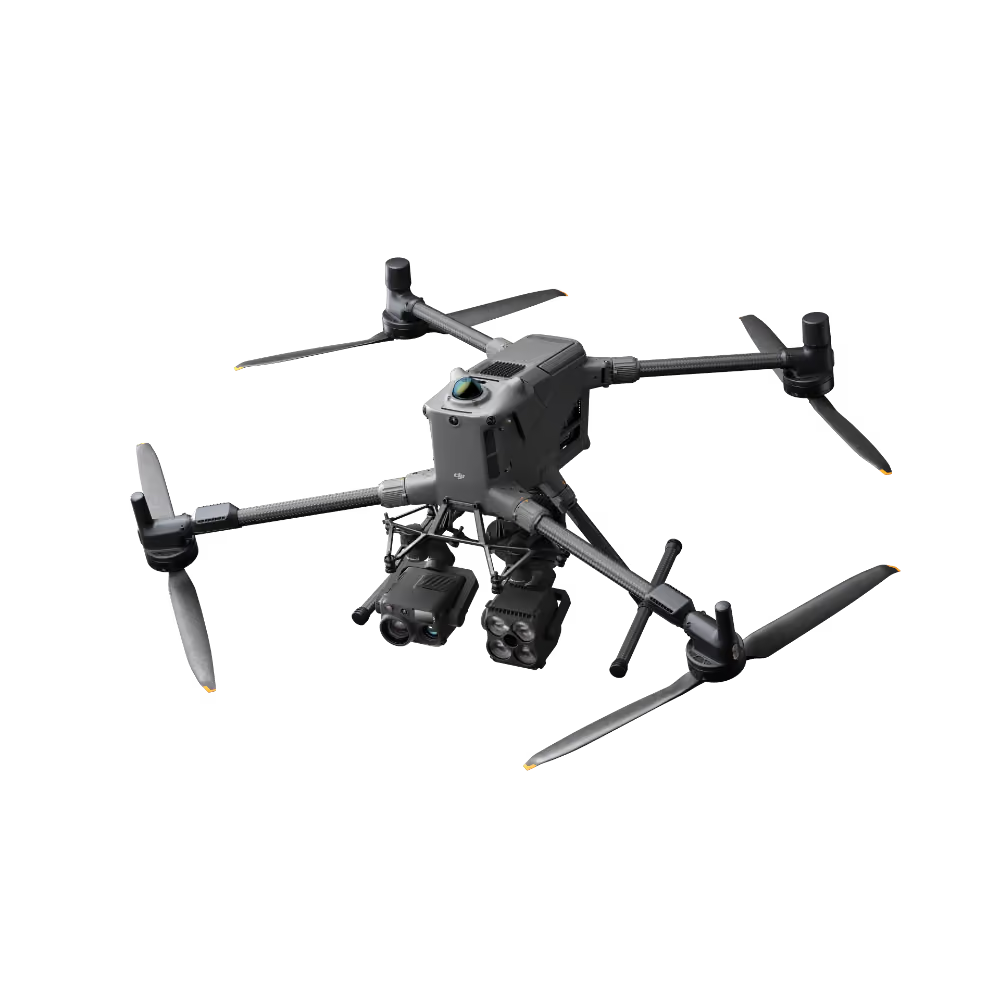
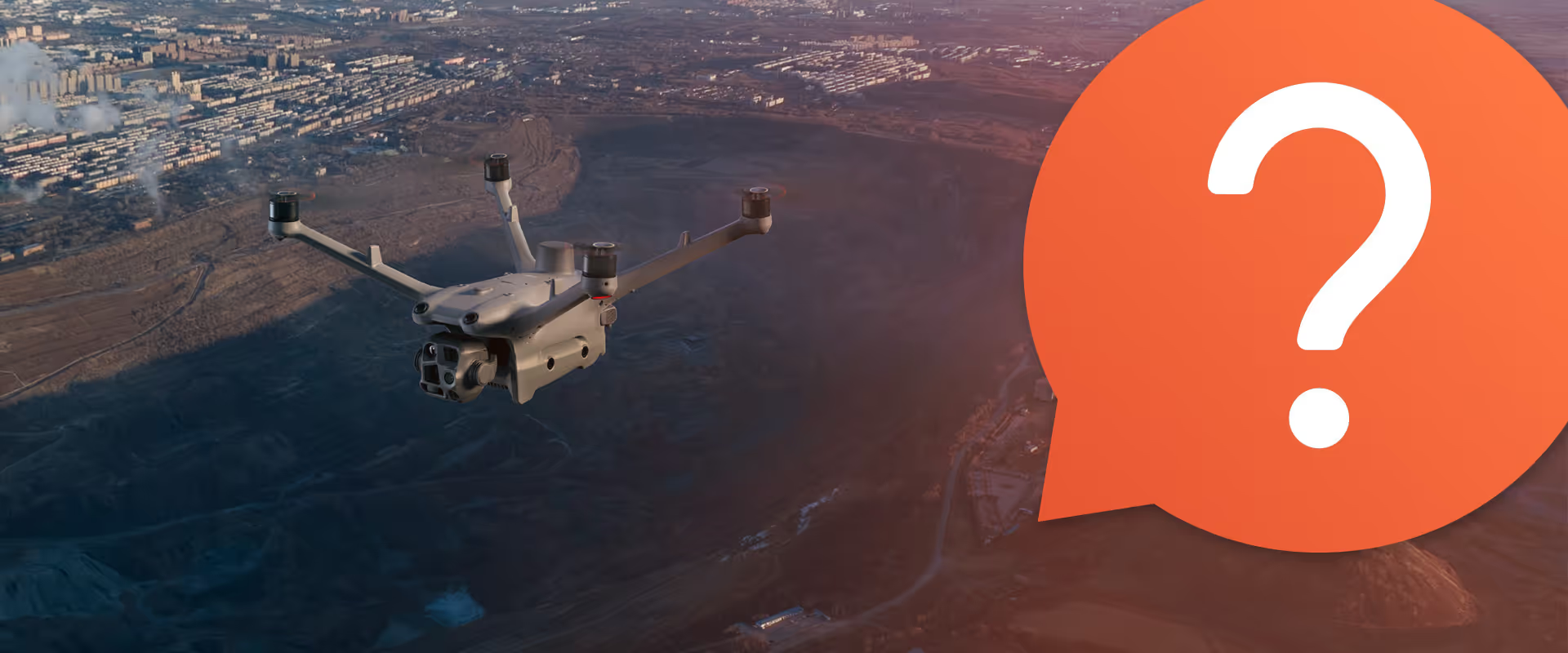
The Matrice 5TD carries four cameras: 1280 × 1024 thermal, a 50 MP wide camera, and 3x and 11x zoom cameras with up to 176x hybrid zoom. A laser rangefinder measures out to 3 km, so one flight gives you the thermal picture, the close-up and the coordinates.
Up to 59 minutes of flight time and a top speed of 21 m/s. All-round vision sensors, rotating LiDAR and mmWave radar pick up power lines and obstacles day or night, and the optional AP1 parachute adds an independent flight termination link for BVLOS safety cases.
Need more than a dock?
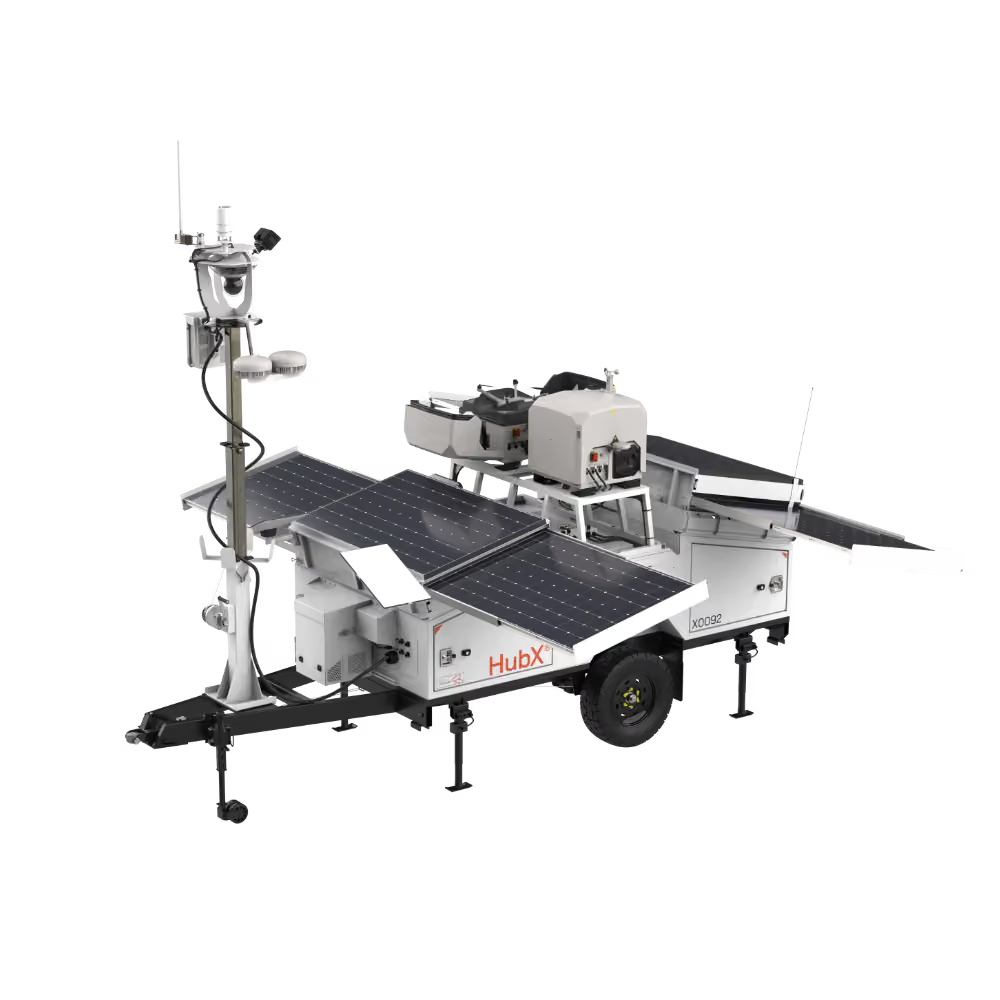
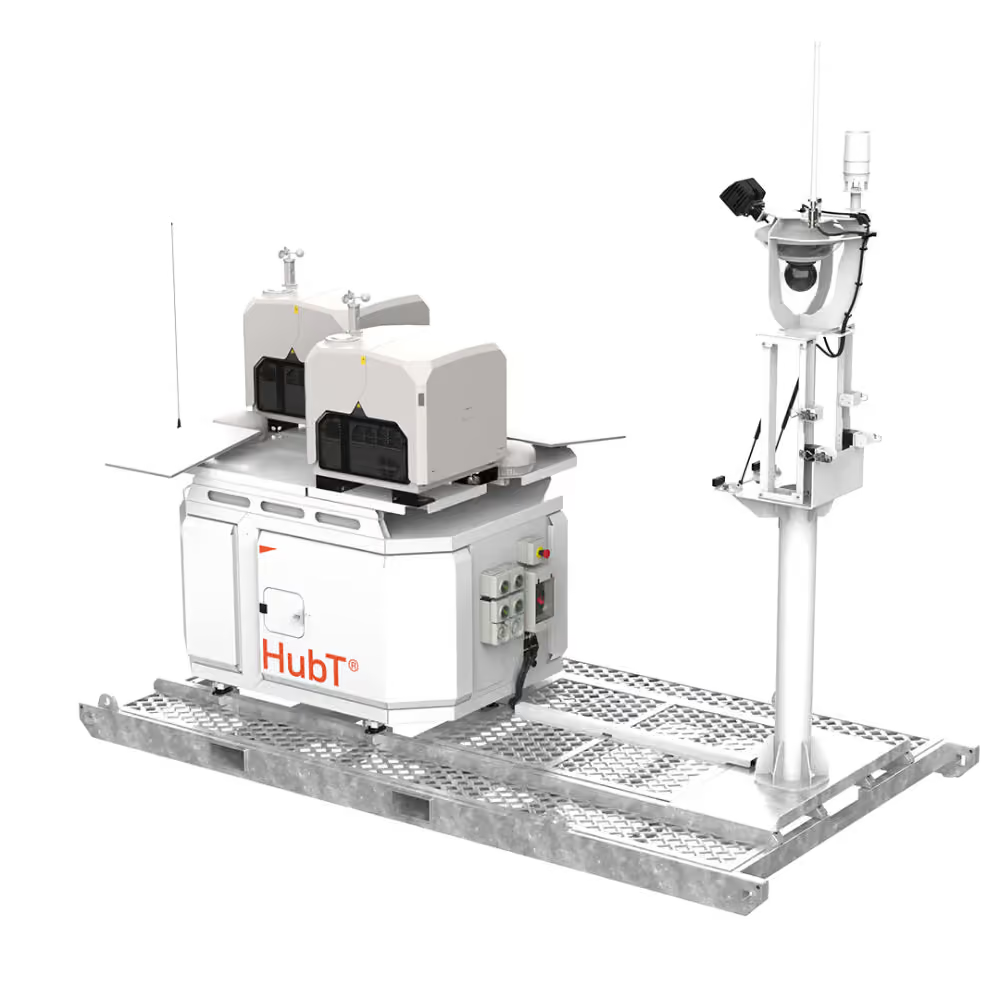
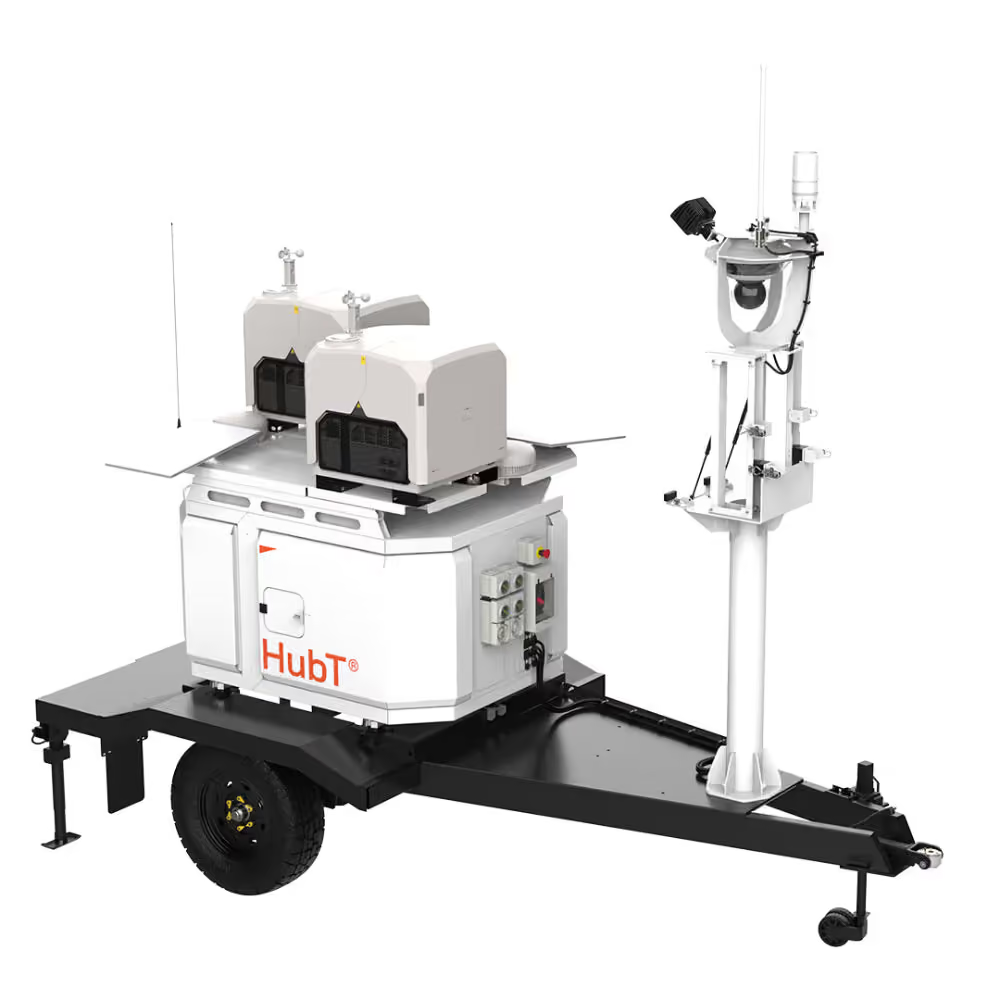
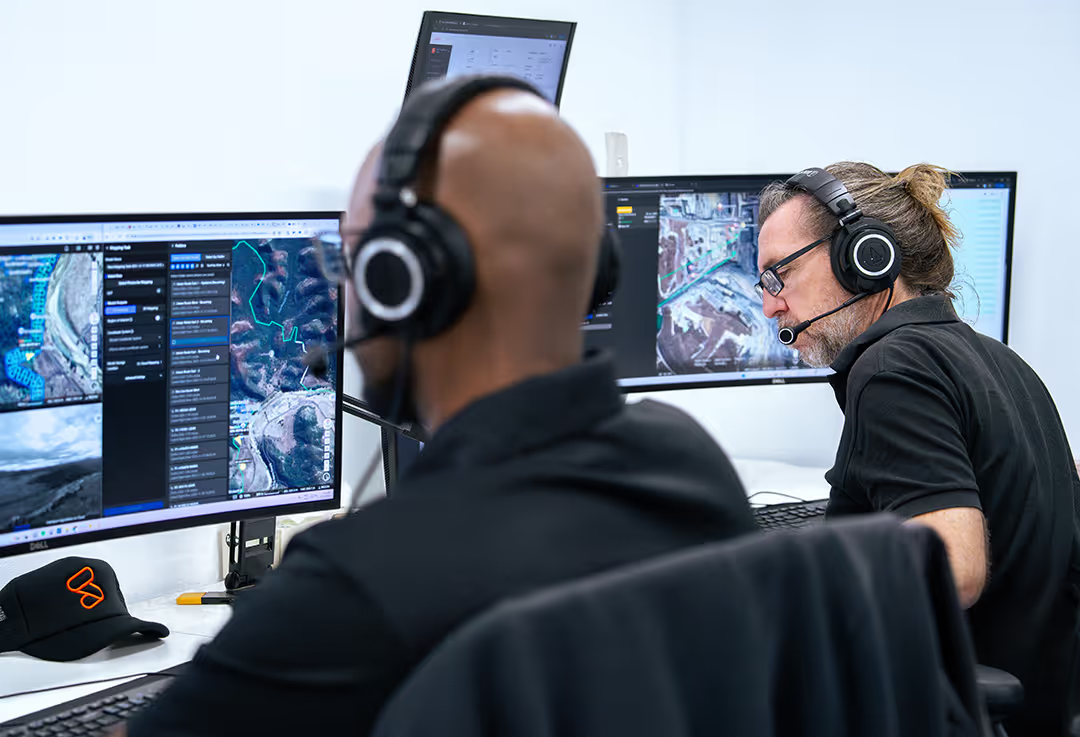
Dock 4 also needs power, connectivity and somewhere to deploy. Our Hubs bring all of that together, as the off-grid HubX® trailer or the more permanently installed HubT®. They can also be fully managed, with missions run 24/7 from our Sydney-based Remote Operations Centre.
From planning to data delivery, in one platform
From mission planning to data your teams can use
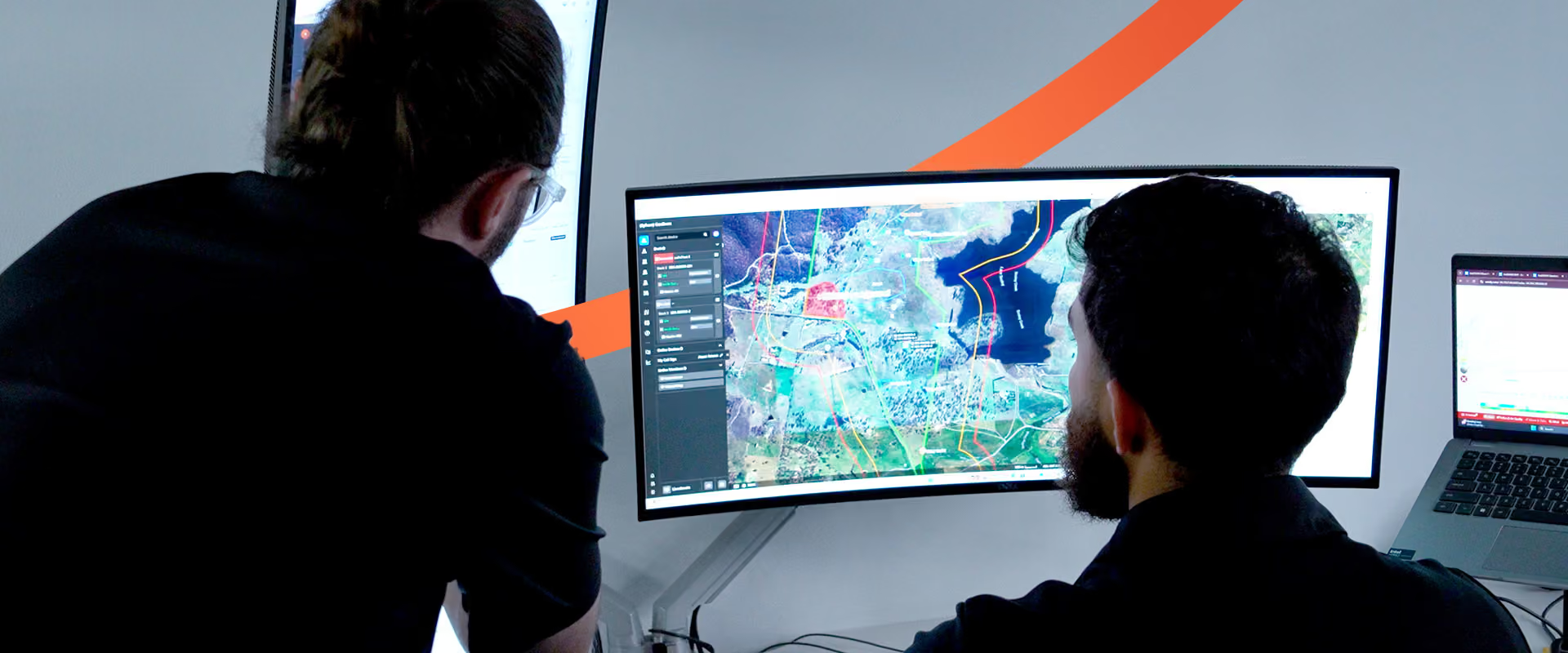
Curo handles the whole workflow in one software suite, from planning flights and running live remote operations through to data delivery and AI analysis. It works with standalone docks as well as our Hubs, so you can start with Dock 4 on its own.
If your team uses ArcGIS, our Esri Site Scan integration sends processed data straight into your GIS, without any manual handling.
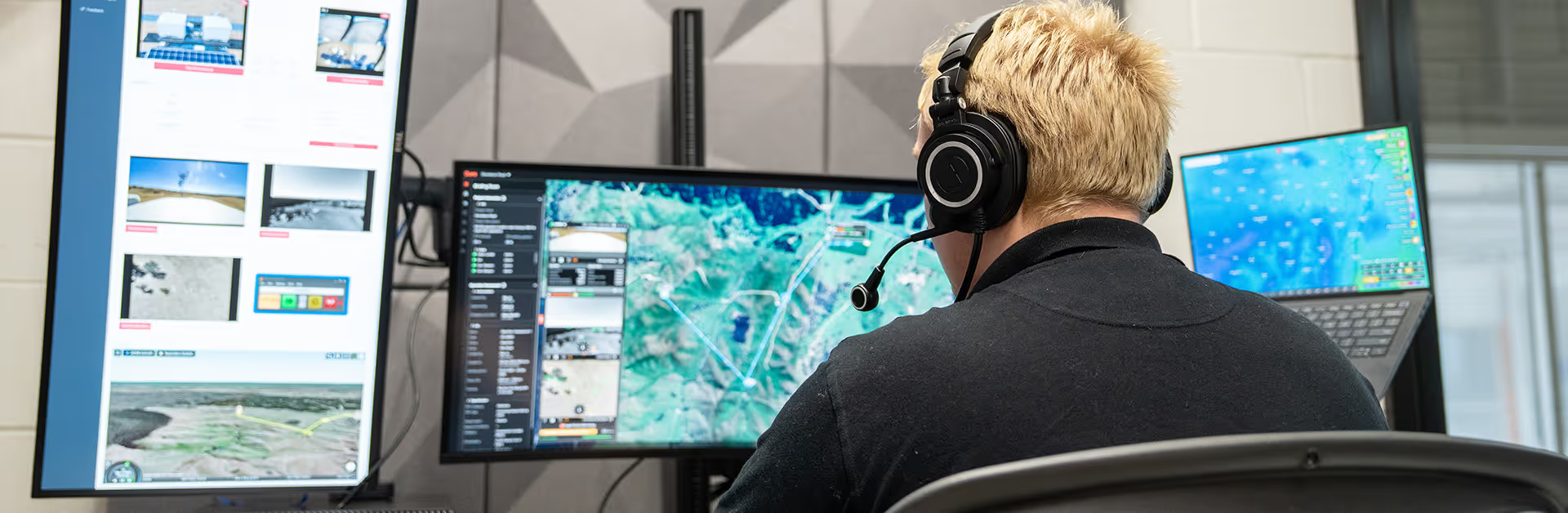
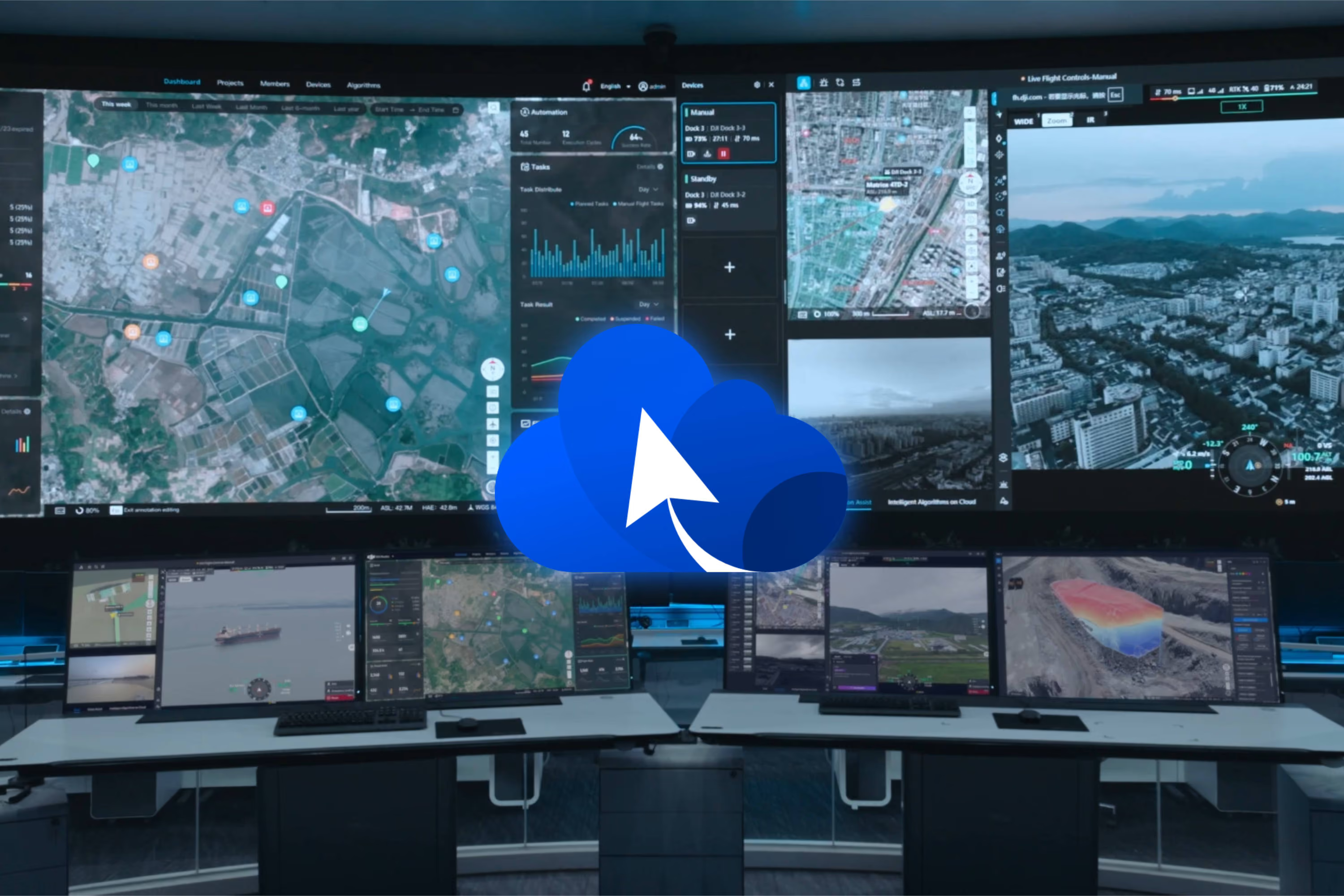
Prefer DJI FlightHub 2?
Dock 4 also works with DJI FlightHub 2. Plan routes, schedule missions and watch live video from anywhere, while onboard AI recognises 17 object types, including people, vehicles, smoke and fire. If you need to keep data in-house, FlightHub 2 can run on your own servers.

What you need to operate Dock 4
Running a dock takes more than the hardware. Here's what's involved, and where we can help.

Training
Pilots need a Remote Pilot Licence (RePL). To run it yourself, you'll also need a ReOC and BVLOS approval.
How we help: RePL, ReOC, Chief Remote Pilot and BVLOS training, tailored to your team.
CASA approvals
Remote and BVLOS flights need CASA approval. The optional AP1 parachute adds an independent flight termination link to help build the safety case.
How we help: we hold a ReOC and BVLOS broad area approval, so we can fly it for you.
Site requirements
Power, a network connection and a secure mount point, plus the O4 Ground Station, which handles the video link, RTK and network. Batteries in the dock double as backup power if the grid drops out.
How we help: a Hub brings it all together in one system.
DJI Dock 4 pricing and availability in Australia
Buy the hardware and run it yourself, add our help to get set up, or let us run it for you.
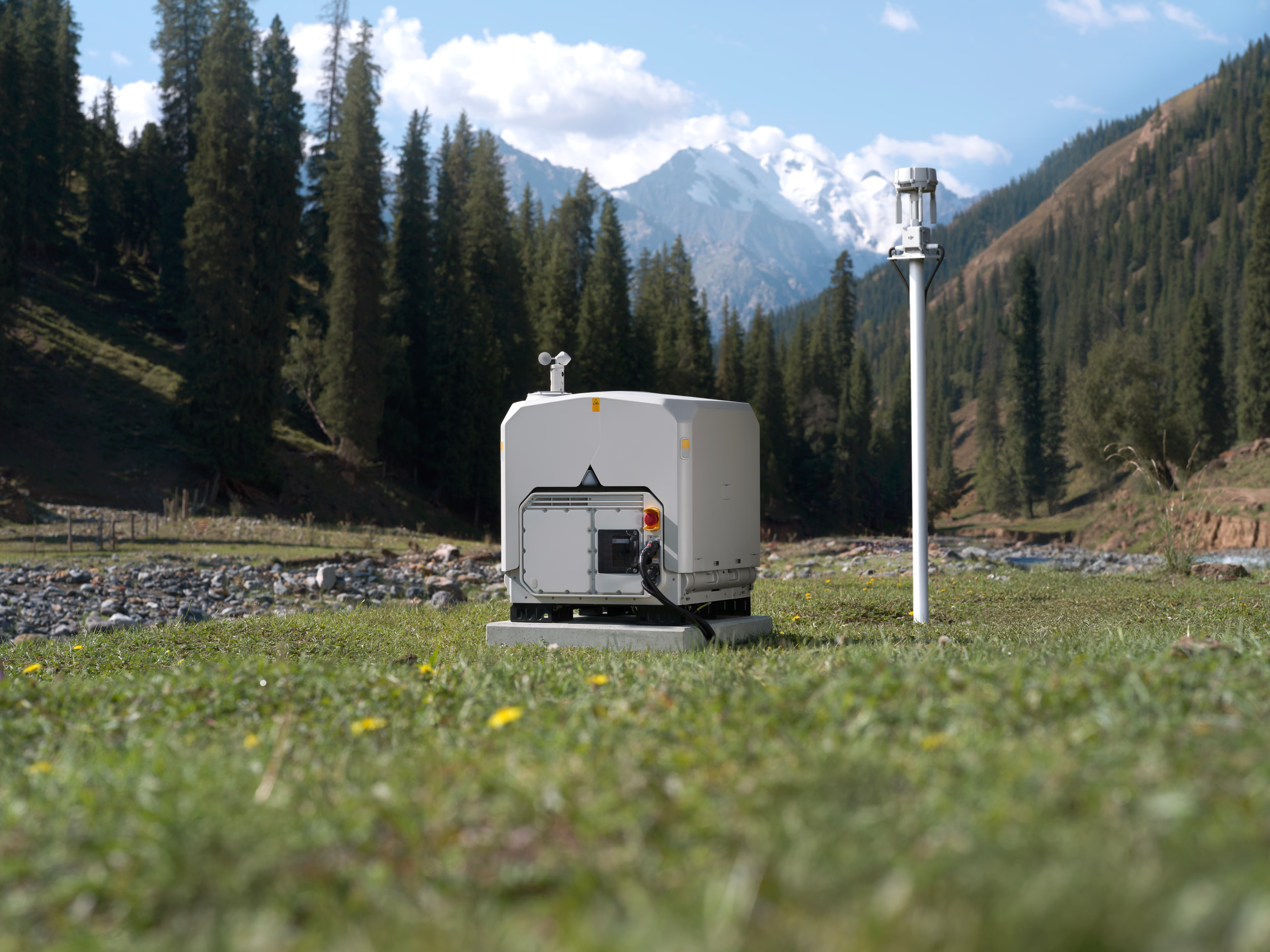
DJI Dock 4 + Matrice 5TD
- DJI Dock 4
- Matrice 5TD
Set-up, training and support
- Site assessment
- Installation and commissioning
- Operator training
- Ongoing support
Managed Hub
- HubX or HubT system
- 24/7 operations from our Remote Operations Centre
- Data delivered to you
DJI Dock 3 or Dock 4?
Dock 4 isn't a straight replacement for Dock 3. Choose based on the work you do most.

Want the full breakdown? Read the comparison
Guides and technical comparisons
Take the detail away with you, or share it with the people signing off.
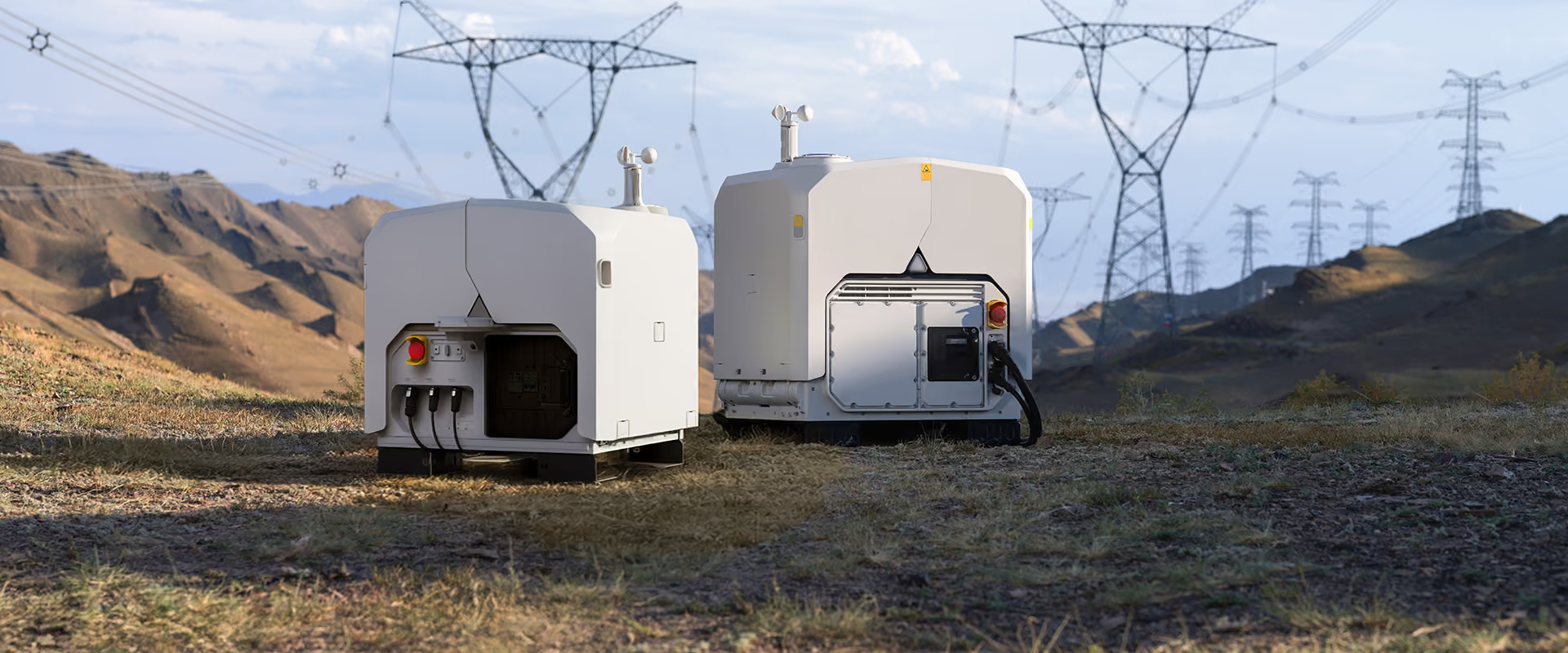
DJI Dock 4 vs Dock 3 Technical Comparison
Read the full guideTrusted by Australian industry leaders
See how Australian teams are putting these drones to work on their own sites.
We don’t just sell drones. We turn data into better decisions.

Approved to fly for you
We hold a CASA ReOC and Broad Area BVLOS Approval, so we can run operations for you under our own approvals.

Operators, not just resellers
Our team runs remote operations every day from our Remote Operations Centre, our 24/7 Sydney-based operations centre.

Local support for the long haul
Training and setup from our Australian team, with servicing and support for the life of your fleet.

Our own hardware and software
We design and build our Hubs and Curo software in Australia, so you can grow from one drone to automated operations.
Specifications
- Battery swap: 25 seconds (45-second aircraft turnaround)
- Flight time: Up to 59 min
- Thermal camera: 1280 × 1024 (2560 × 2048 super-resolution)
- Zoom: 11x telephoto, up to 176x hybrid zoom
- Laser rangefinder: Up to 3 km
- Ingress rating: Dock rated IP56 and aircraft IP55, operating up to 50 °C, so dust and summer heat don’t ground it.
- Transmission: 10 km operating radius, via the O4 Ground Station plus built-in dual 4G
- Top speed: 21 m/s
- Accessory payload: Up to 450 g (spotlight, speaker, parachute)
Full dock specifications
Dock: General
- Total weight: 66 kg (without batteries in the battery compartment, aircraft not included)
- Dimensions: Cover open: 1750×640×550 mm (L×W×H); cover closed: 639×640×836 mm (L×W×H)
- Input voltage: 100–240 V AC, 50/60 Hz
- Input power: Max 2000 W
- Operating temperature: −40 °C to 50 °C
- Ingress protection rating: IP56
- Max operating altitude: 5000 m
- Number of drones accommodated: 1
- Max allowable landing wind speed: 12 m/s
- RTK base station: Supported via DJI O4 Ground Station
Dock: Charging performance
- Charging method: Battery swapping + wireless charging
- Battery swap time: < 25 s
- Operational turnaround time: < 45 s
- Max batteries stored: 3 (four compartments, no more than three occupied at once)
- Max parallel charging channels: 2
- Output voltage: Per channel: 15–25.8 V DC
- Charging time: 27 min per battery (15% to 95% at 25 °C)
Dock: Video transmission
- Operating frequency: High-speed Wi-Fi: 2.4000–2.4835 GHz and 5.7250–5.8500 GHz. DJI O4 Enterprise Enhanced Video Transmission supported via DJI O4 Ground Station
- Antenna: High-speed Wi-Fi: single antenna. O4 Enterprise Enhanced: integrated into O4 Ground Station
Dock: Air conditioning
- Type: Compressor-based air conditioning
- Operating voltage: 48 V DC
Dock: Backup battery
- Backup power method: Aircraft battery housed in the dock battery compartment
- Capacity: 12138 mAh
- Output voltage: 21.42 V
- Battery type: LiNiMnCoO2
- Battery life: Approx. 4.5 hours per battery (25 °C, 90% to 10%); supports sequential power across three batteries
Dock: Network access
- Ethernet: Supported (requires connection to DJI O4 Ground Station)
- 4G: Requires DJI Cellular Dongle 2 (installed on DJI O4 Ground Station)
Dock: Sensors
- Weather and cabin sensors: Wind speed, rainfall, ambient temperature, in-cabin temperature, in-cabin humidity
Dock: Security cameras
- External camera: 1920×1080, 151° FOV, auxiliary white light
- Internal camera: 1920×1080, 151° FOV, auxiliary white light
Dock: Lightning protection
- AC power port: 20 kA (rated); meets EN 61643-11 Type 2 and IEC 61643-1 Class II
- Ethernet port: 10 kA (Itotal); meets EN/IEC 61643-21 Category C
Dock: Supported software
- Applications: DJI Enterprise App
- Cloud platform: FlightHub 2; FlightHub 2 On-Premises Version; FlightHub 2 FlightHub Sync; DJI Cloud API
O4 Ground Station: General
- Dimensions: 170×170×352 mm
- Weight: 2.68 kg
- Operating temperature: −40 °C to 55 °C (powered directly by the dock)
- PoE auto wake-up: Supported (wakes when connected to the DJI Dock 4 PoE port)
- Cold-weather heating startup: Supported
- Ingress protection rating: IP67
O4 Ground Station: GNSS receiver
- GNSS frequency: GPS: L1C/A, L2C, L5; BDS: B1I, B2I, B3I, B1C, B2a, B2b; Galileo: E1, E5a, E5b, E6; GLONASS: L1, L2; QZSS: L1C/A, L2C, L5; L-Band
- System accuracy: Horizontal: 1.0 cm (RMS) + 1 ppm; vertical: 3.0 cm (RMS) + 1 ppm
O4 Ground Station: Video transmission
- System: DJI O4 Enterprise Enhanced Video Transmission System
- Operating frequency: 902–928 MHz; 2.400–2.4835 GHz; 5.150–5.250 GHz; 5.725–5.850 GHz (availability varies by region)
- Antenna: 4 external and 8 internal OcuSync 4 Pro directional antennas; 2.4G/5.2G/5.8G: 2T4R; sub2G: 2T2R; 2 × 4G antennas
- Network access: Ethernet: adaptive port, Gigabit recommended, uplink and downlink > 20 Mbps (preferably > 40 Mbps), latency ≤ 100 ms. 4G: requires DJI Cellular Dongle 2
O4 Ground Station: Electrical
- Power interface: Ethernet (PoE); WAN: PoE-in; LAN: PoE-in
- Ethernet cable: Cat 6 or above, outdoor-rated, waterproof twisted pair; max 80 m; outer diameter 5.5–6.5 mm
- Power consumption: Max (including heating) 65 W; typical (without heating) 17.1 W; low-power mode 7 W
- Backup battery: Li-ion, 3250 mAh, 23.4 Wh
- Backup battery runtime: Approx. 45 min after sudden power loss
- Backup battery charging: 9 V or 12 V PD; approx. 2.5 hours with a 65 W PD charger
- Ethernet surge protection: WAN/LAN ports up to 10 kA; EN/IEC 61643-21 Category C
O4 Ground Station: Supported software
- Applications: DJI Enterprise App
- Cloud platform: FlightHub 2; FlightHub 2 On-Premises Version; FlightHub 2 FlightHub Sync; third-party platforms built on DJI Cloud API
- External devices: ONVIF and GB/T 28181 cameras; up to 4 simultaneous 1080p H.264 streams
- Open ecosystem: ESDK 2.0
Full Matrice 5TD specifications
Aircraft: General
- Weight: 2600 g (includes battery, propellers and microSD card)
- Max takeoff weight: 3050 g
- Dimensions: 393×477×230 mm (L×W×H, without propellers)
- Diagonal wheelbase: 549 mm
- Max ascent / descent speed: 6 m/s / 6 m/s
- Max horizontal speed: 21 m/s (FlyTo tasks only; 15 m/s in other modes)
- Max wind speed resistance: 12 m/s
- Max takeoff altitude: 6500 m (no payload); 4500 m at full load
- Max flight time: 59 min (no payload, 15 m/s constant speed, no wind, 20 m ASL)
- Max hovering time: 55 min (no wind, 20 m ASL)
- Max operating radius: 10 km
- Max flight distance: 53 km (15 m/s, no wind, 20 m ASL)
- Max pitch angle: 25° (Normal mode)
- Max angular velocity: 75°/s (Normal mode)
- GNSS: GPS, Galileo, BeiDou, QZSS, GLONASS
- Hovering accuracy: Vertical: ±0.1 m (vision), ±0.04 m (RTK); horizontal: ±0.3 m (vision), ±0.02 m (RTK)
- Operating temperature: −40 °C to 50 °C
- Ingress protection rating: IP55
- Propellers: 1564F foldable, low-noise, anti-ice
- RTK module and beacon: Integrated
- Warning light: Customisable multicolour, integrated into the bottom of the aircraft
- Accessory mounting points: Two on the sides, one on top (requires Matrice 5TD Accessory Mount)
Aircraft: Sensing
- Sensing type: Omnidirectional binocular colour vision; horizontal rotating LiDAR; downward 3D infrared ranging; forward, upward and downward mmWave radar
- Forward vision: Measurement 0.5–25 m; detection 0.5–200 m; up to 15 m/s; FOV 95° H, 90° V
- Backward and lateral vision: Measurement 0.5–25 m; up to 15 m/s; FOV 95° H (backward), 90° H (lateral), 90° V
- Upward vision: Measurement 0.5–20 m; up to 10 m/s
- Downward vision: Measurement 0.5–20 m; up to 8 m/s
- Rotating LiDAR range: 110 m (100,000 lux, 10% reflectivity); power lines: 32 m (21.6 mm steel-core aluminium wire), 19 m (11 mm black rubber cable)
- Rotating LiDAR FOV: 360° horizontal, 59° vertical; 250,000–460,000 points/s; 940 nm, Class 1
- Downward 3D infrared: 0.3–8 m (reflectivity > 10%); FOV 60° × 60°
- mmWave radar: FOV 90° × 90°; front range 40 m, up/down range 20 m (12 mm black rubber cable)
Aircraft: Video transmission
- System: DJI O4 Enterprise Enhanced Video Transmission System
- Live view quality: 1080p/30fps (with DJI Dock 4)
- Max transmission distance: 40 km (IC), 25 km (SRRC), 12 km (CE/MIC), unobstructed with no interference
- Real-world range (IC): Strong interference 2.5–5 km; medium 5–15 km; low 15–32 km; building obstruction 0–1 km; vegetation 1–5 km
- Max download speed: 20 MB/s (O4); 80 MB/s (high-speed Wi-Fi)
- Lowest latency: 160 ms (aircraft to FlightHub 2 cloud)
- Antenna: 8 antennas; 2.4G/5.2G/5.8G: 2T4R; sub2G: 2T2R
- 4G: Built-in dual 4G modules; up to 2.25 GB data per 30 min (dual-SIM dual-active)
Aircraft: Storage
- Supported cards: U3/Class 10/V30 or above microSD
- Recommended cards: Lexar SILVER PLUS 64 GB, 128 GB, 256 GB, 512 GB
Aircraft: Battery
- Capacity: 12138 mAh
- Voltage: 21.42 V (max charging voltage 25.8 V)
- Cell type: Li-ion 6S, LiNiMnCoO2
- Energy: 260 Wh
- Weight: 925 g
- Cycle count: 400
- Charging temperature: 10 °C to 55 °C (self-heating for low-temperature charging)
- Discharge rate / max charge rate: 3C / 1.8C
Aircraft: Gimbal
- Stabilisation: 3-axis mechanical (tilt, roll, pan)
- Mechanical range: Tilt −140° to +113°; roll −52° to +52°; pan −75° to +75°
- Controllable range: Tilt −90° to +90°; pan not controllable
- Angular vibration range: ±0.005°
- Max control speed (tilt): 100°/s
Aircraft: Visible cameras
- Wide-angle camera: 1/0.98-inch CMOS, 50 MP; 85.7° FOV; 23.5 mm equivalent; f/1.8
- Medium tele camera: 1/1.28-inch CMOS, 50 MP; 35° FOV; 70 mm equivalent; f/2.88
- Tele camera: 1/1.5-inch CMOS, 50 MP; 9.7° FOV; 252 mm equivalent; f/2.8
- Zoom: 16× digital on tele (176× hybrid)
- Lens defogging: Supported on all three cameras
- ISO range: Normal: 100–25600; Night Scene: 100–1638400
- Shutter speed: 2 to 1/8000 s
- Max image size: 8192×6144
- Minimum photo interval: 0.5 s
- Panorama: Approx. 110 MP (stitched, wide-angle)
- Video: H.265, 4K 3840×2160@30fps or FHD 1920×1080@30fps, 40 Mbps; MP4, TS
- Photo format: JPEG
Aircraft: Infrared thermal camera
- Thermal imager: Uncooled VOx microbolometer, 8 μm pixel pitch
- Resolution: 1280×1024 at 30 Hz (UHR mode: 2560×2048)
- Lens: 45° DFOV; 53 mm equivalent; f/0.85; focus 10 m to ∞
- Sensitivity: ≤ 50 mK at f/1.0, 25 °C
- Temperature measurement: Spot and area
- Temperature range: High gain: −40 °C to 150 °C; low gain: 0 °C to 550 °C
- Temperature accuracy: High gain: ±2 °C or ±2%; low gain: ±5 °C or ±3% (whichever is greater)
- Digital zoom: 32×
- Infrared wavelength: 8–14 μm
- Palettes: White Hot, Black Hot, Tint, Iron Red, Hot Iron, Arctic, Medical, Fusion, Rainbow 1, Rainbow 2
- Photo format: JPEG (8-bit); R-JPEG (16-bit); DLT-664
- Video: MP4; 12 Mbps (1280×1024@30fps), 24 Mbps (2560×2048@30fps)
- Other: Visible-thermal fusion, temperature alerts, sun burn protection
Aircraft: NIR auxiliary light and laser rangefinder
- NIR auxiliary light FOV: 5.2° to 6.6°
- Laser range: 3000 m normal incidence; 1200 m oblique (1:10); 1 m blind zone
- Laser accuracy: < 0.1 m within 12 m; < 0.3 m at 12–100 m; < 1 m at 100–3000 m; random error < 0.1 m (1σ)
- Laser safety: Class 1 (IEC 60825-1:2014)
Accessories: AL2D Spotlight
- Weight and dimensions: 115 g; 91×54×60 mm
- Max power: Spotlight 40 W; floodlight 18 W; both 48 W
- Illuminance at 100 m: Spotlight 11.2 lux; floodlight 2.7 lux
- Coverage at 100 m: Spotlight 500 m² (14.5°); floodlight 1300 m² (23°)
- Modes: Spotlight, floodlight, both, auto; slow and fast strobe
- Gimbal: Tilt −90° to +90° controllable; 120°/s
- Mounting: Right side of aircraft; IP55
Accessories: AS2D Loudspeaker
- Weight and dimensions: 188 g; 132×47×54 mm
- Max power / volume: 30 W; 120.5 dB at 1 m
- Effective broadcast distance: 400 m
- Broadcast modes: Live, record and broadcast, file import, text-to-speech (7 languages including English)
- Mounting: Left side of aircraft; IP55
Accessories: AP1 Parachute
- Weight and dimensions: 107 g; 92×70×56 mm
- Max supported takeoff weight: 3050 g
- Operating altitude: 0–5000 m
- Descent speed: < 6 m/s
- Effective deployment altitude: ≥ 35 m
- Automatic deployment response: 600 ms
- Deployment method: Manual or automatic; independent FTS link; 30 s backup power
- Mounting: Top of aircraft; IP55
Accessories: Matrice 5TD Accessory Mount
- Weight and dimensions: 40 g; 117×126×70 mm
- Mounting points: 3
FAQs
How much does DJI Dock 4 cost in Australia?
Your price depends on set-up, training and any add-ons. Contact us for a current quote.
What's the difference between DJI Dock 3 and Dock 4?
Dock 4 pairs with the Matrice 5TD, which carries thermal, zoom and night-vision cameras, and swaps the aircraft's battery in 25 seconds instead of charging it. That makes it the pick for inspection and emergency response on mine sites and critical infrastructure. Dock 3 with the Matrice 4D has a mechanical shutter, which makes it the better choice for surveying and mapping.
What is the range of DJI Dock 4?
The Matrice 5TD can operate up to 10 km from the dock and flies for up to 59 minutes. Video is sent through the O4 Ground Station, and how far you can fly in practice depends on terrain, interference and your CASA approvals.
Do I need CASA approval to operate DJI Dock 4?
Yes. Flying a dock remotely, especially beyond visual line of sight, needs CASA approval. Sphere holds a ReOC, BVLOS approval and a BVLOS broad area approval, so we can operate Dock 4 for you under our approvals. If you'd rather run it yourself, we can train your team and help you get your own ReOC and BVLOS approval.
What does a site need to install DJI Dock 4?
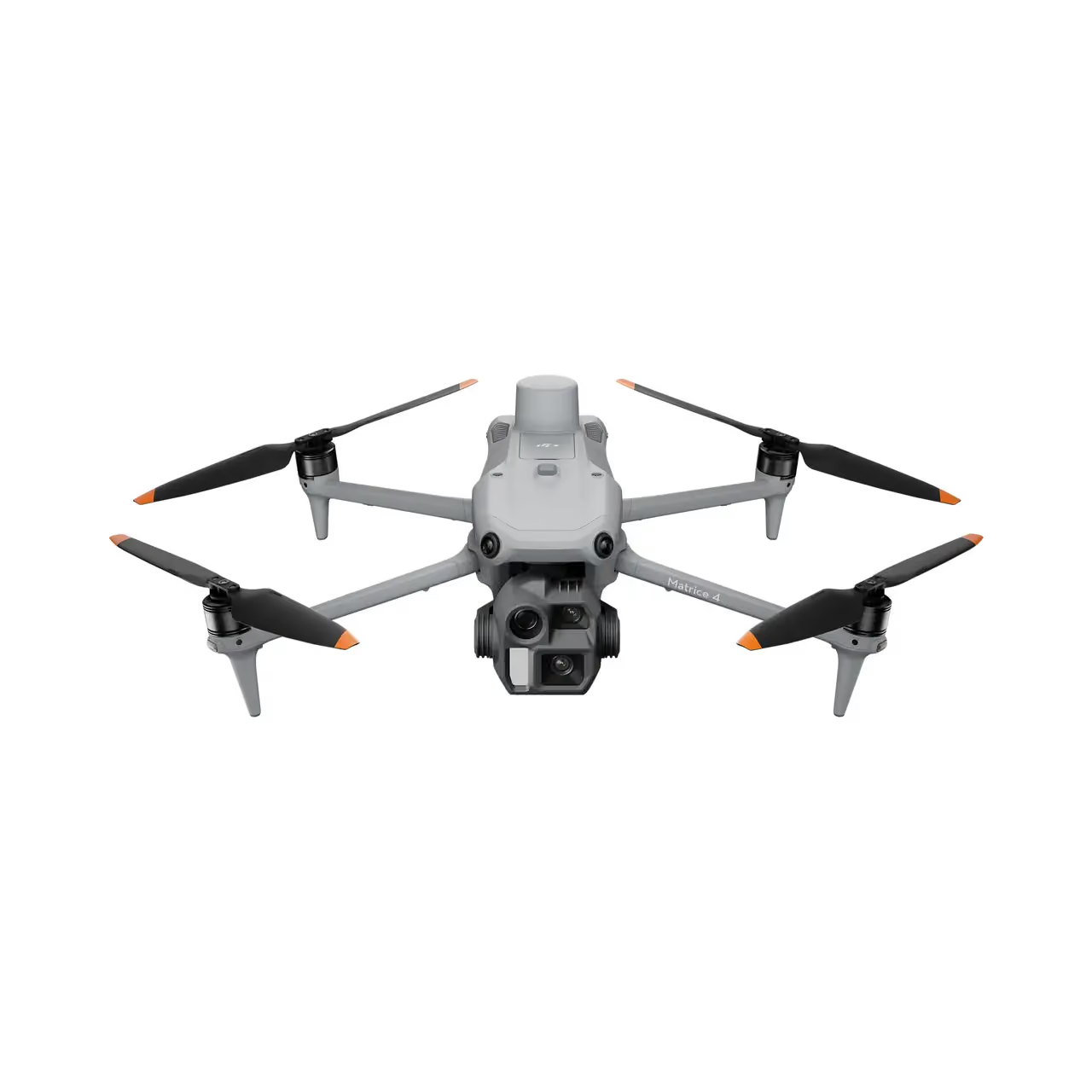
Mains power and a wired network connection with at least 20 Mbps up and down. The O4 Ground Station needs an elevated spot with clear line of sight to the dock, within 80 m of cable, and the site has to be surveyed with a Matrice 4 Series or Matrice 4D first. Dock 4 uses the same 400 × 400 mm mounting pattern as Dock 3, so existing Dock 3 mounts can be reused.
Can DJI Dock 4 keep working during a power outage?
Yes. The batteries stored in the dock double as backup power, at about 4.5 hours per battery, and you need at least two installed to keep flying without grid power. For remote sites with no reliable power at all, our HubX® is an off-grid trailer with its own power and internet connection, so the dock can run wherever it's needed.
What weather can DJI Dock 4 operate in?
The dock and aircraft operate from −40 °C to 50 °C. The dock is rated IP56 and the aircraft IP55, and it can fly in winds up to 12 m/s and rain up to 2 mm/h.
Which drones work with DJI Dock 4?
Only the Matrice 5TD. It's built for automated operations, so it can't be flown manually with a remote controller.
What maintenance does DJI Dock 4 need?
DJI recommends a basic service every 6 months, a regular service every 12 months or 500 flight hours, and a deep service every 36 months or 1,000 flight hours. The anti-ice propellers are replaced every 12 months or 500 flight hours. Sphere can look after servicing for you.
Who supports DJI Dock 4 in Australia?
Sphere supplies, installs and supports Dock 4 across Australia.
Can Sphere run DJI Dock 4 for me?
Yes. Our Hubs can be fully managed, with missions run 24/7 from our Sydney-based remote operations centre.
Does DJI Dock 4 work with Curo?
Yes. DJI Dock 4 works with Curo, so you can run your missions and get data to your teams from one software suite.
Tell us what you need to inspect or find, and where. We'll recommend the right setup for your team, whether you fly it yourself or have us operate it for you.
Prefer to talk? Call us on 1800 119 111.